3.9 Device management
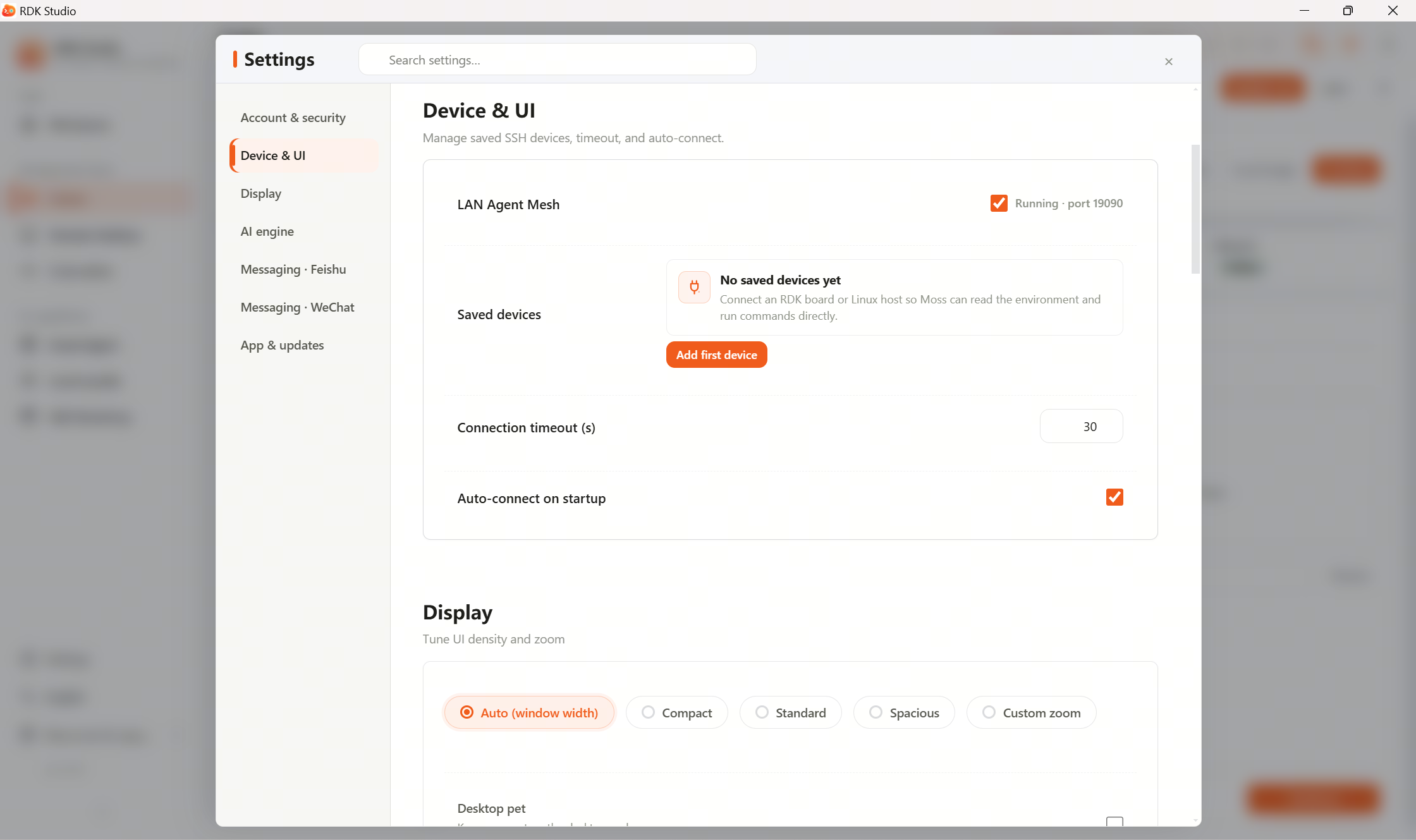
Device management is where you work with multiple devices: online status, active device switching, adding/removing devices, notes and connection details. Terminal, Files, IDE, Remote Desktop, and AI Dock track the selected device after you switch.
Suggested order
| Step | What to do |
|---|---|
| 1 | Confirm the current device is online |
| 2 | With multiple devices, make sure the active one is correct |
| 3 | Add devices when onboarding new boards |
| 4 | After reflash or password changes, update connection info |
| 5 | Remove devices you no longer use from this machine’s list |
After adding, Studio infers hardware type, online state, and available capabilities. If a device drops offline—check power, network, Host/IP, SSH—online state refreshes automatically when reachable again.
Read next
- 3.9.1 Switch active device: list columns, activating a device, copying IPs.
- 3.13.5 Import & export: sync device lists and SSH auth across PCs