3.13 Configuration center
The settings center is at the bottom of the left sidebar. Defaults are fine for most users—open it when you hit connection, model, message channel, or account issues.
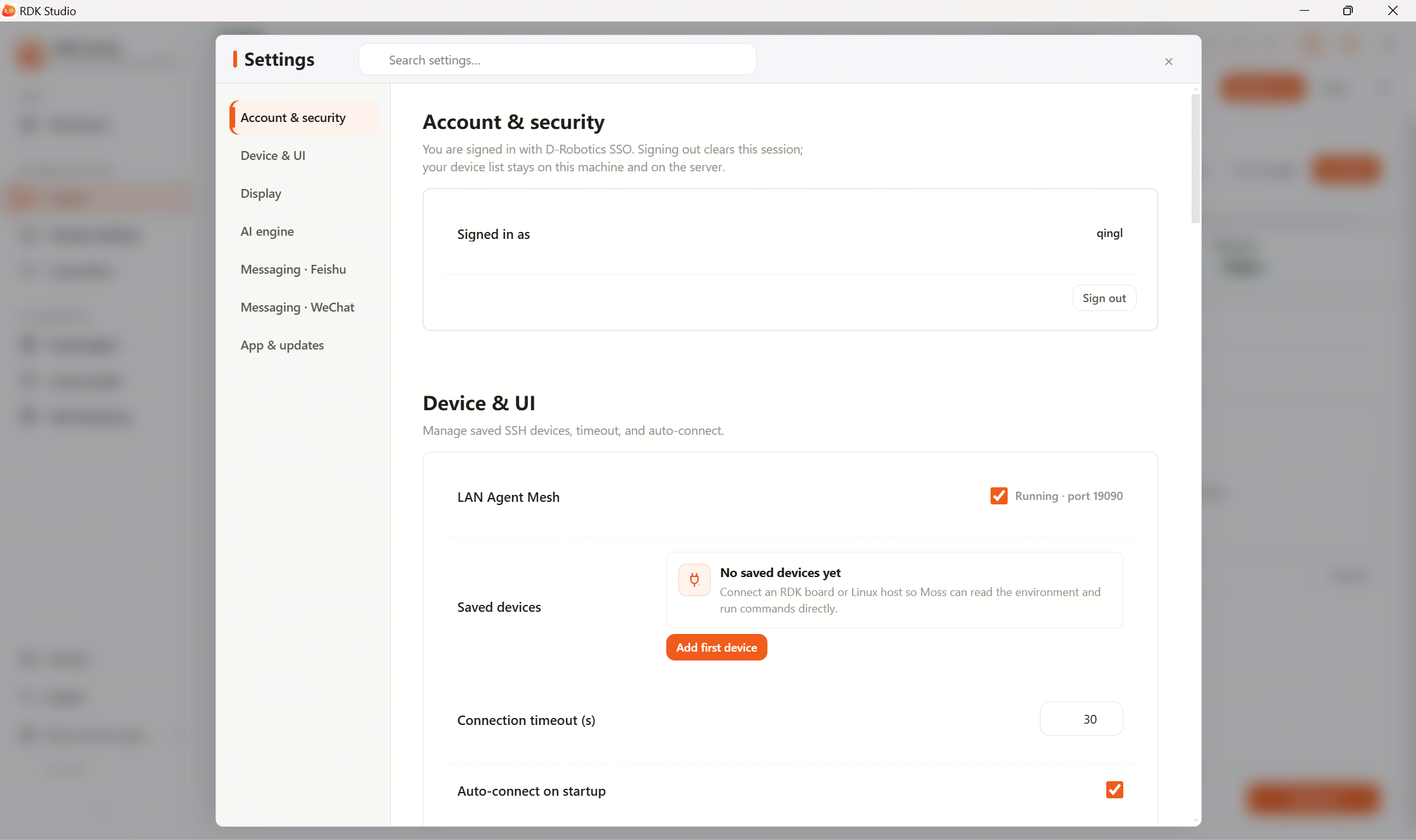
Recommended order
| Step | What to do |
|---|---|
| 1 | Confirm the signed-in account is correct |
| 2 | If a device will not connect, open Device connection |
| 3 | If Moss or the model misbehaves, open AI engine |
| 4 | To use Feishu or WeChat, configure message channels |
| 5 | To move machines or share with the team, use import/export |
Areas
| Area | Main content |
|---|---|
| Account & security | Current account, sign out, local session and data cleanup |
| Device connection | SSH defaults, connectivity, networking, reconnect options |
| Appearance | Density, fonts/zoom, desktop quick-window behavior |
| AI engine | Reasoning/fast models, provider, API key, base URL, connectivity test |
| Message channels · Feishu | Feishu bot credentials, channel on/off, paired users |
| Message channels · WeChat | WeChat QR bind, account list, channel restart |
| Apps & updates | Updates, CLI, diagnostic bundles, maintenance |
Installing local Ollama, downloads, and model files live under 3.12 Local LLMs.
The AI engine area only configures Moss fast/reasoning model presets.
When unsure what a setting does, leave the default. For problems, send page messages or redacted screenshots to Moss.
Next
- 3.13.2 Sign in & account: Sign-in status, sign out, clear local session.
- 3.13.3 Configure AI models: Fast/reasoning models and connectivity tests.
- 3.13.5 Import & export: Sync across machines and share with the team.