Using RDK Studio Integration Tools
- Windows
- macOS
Using the Terminal
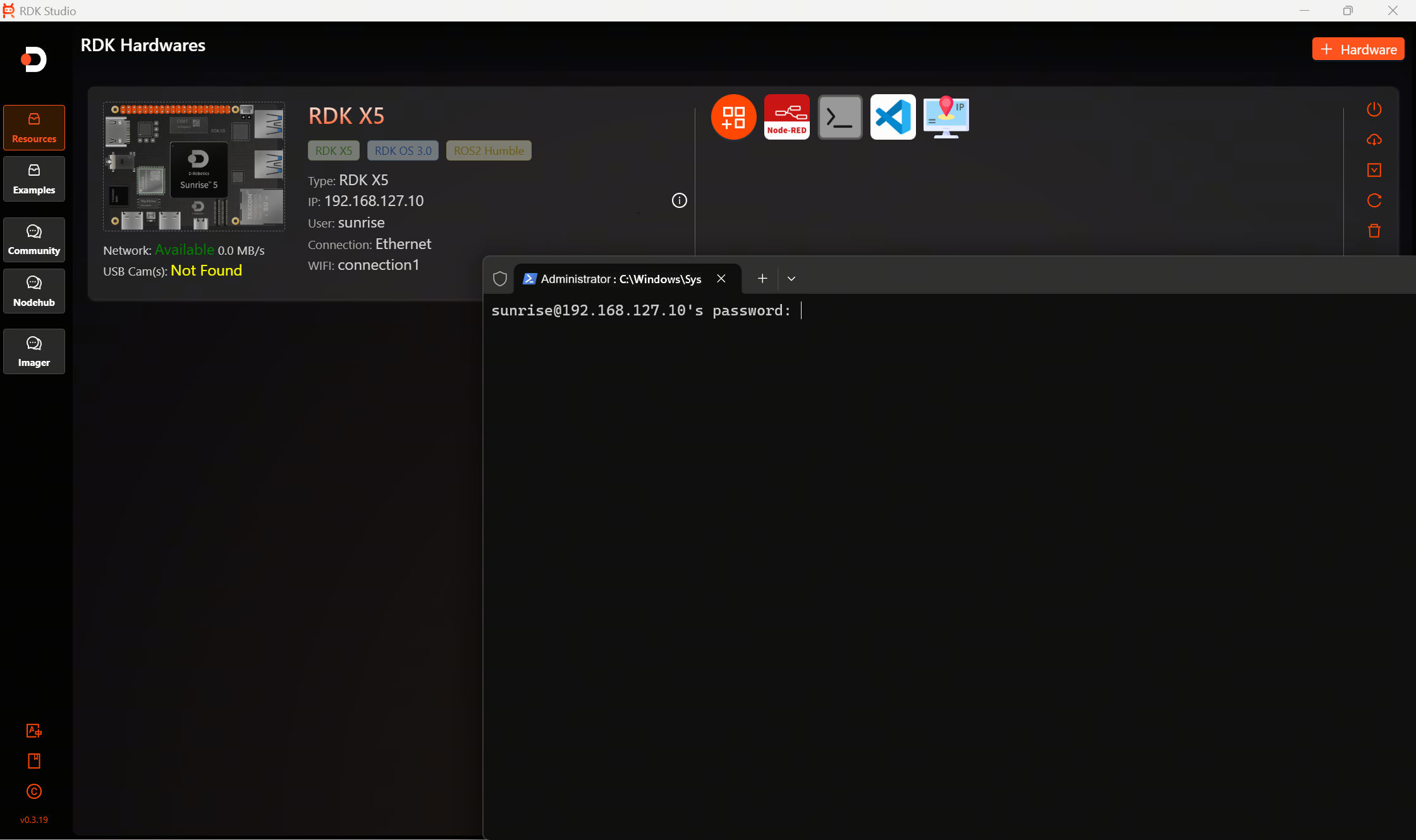
Click the terminal icon, and the Windows terminal will automatically pop up. Enter the user password to connect automatically.
Note
The default password is the same as the login username:
- root-root
- sunrise-sunrise
Using VS Code
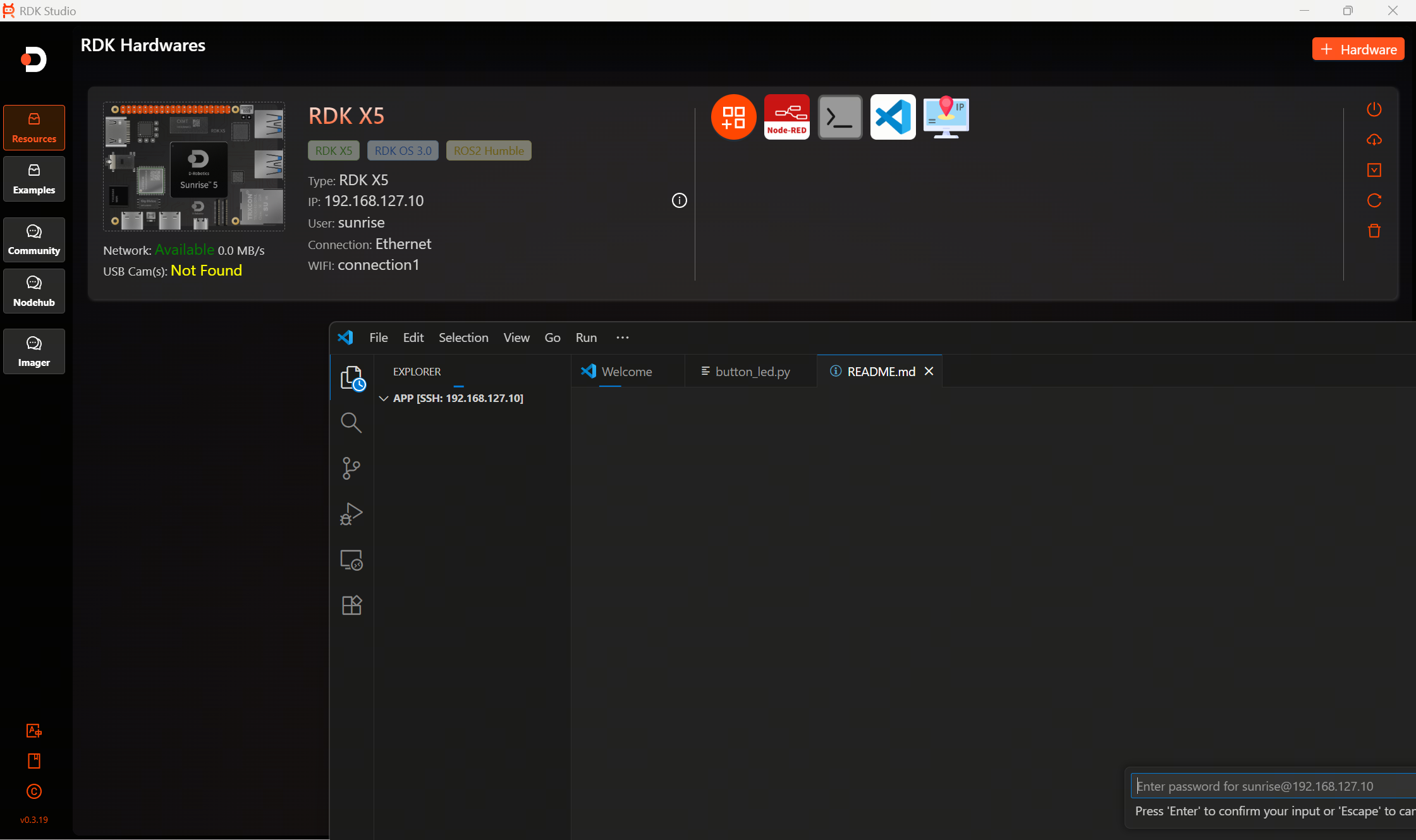
Click the VS Code icon to automatically invoke the local VS Code Remote plugin for connection.
Note
VS Code must be installed locally.
Using Node-RED
-
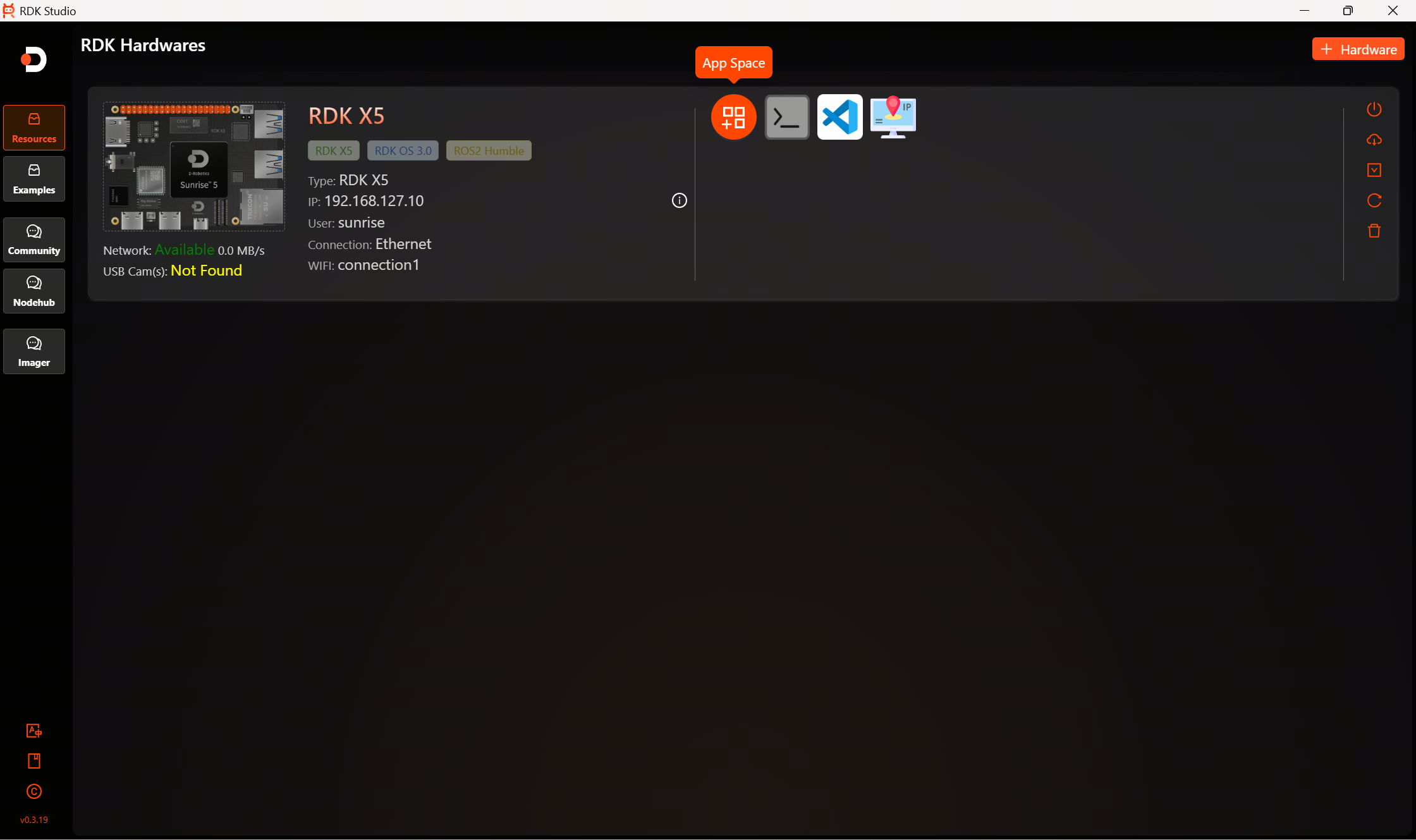
Click the application space icon to view more applications.
-
Click to install Node-RED to run examples from the
Examples.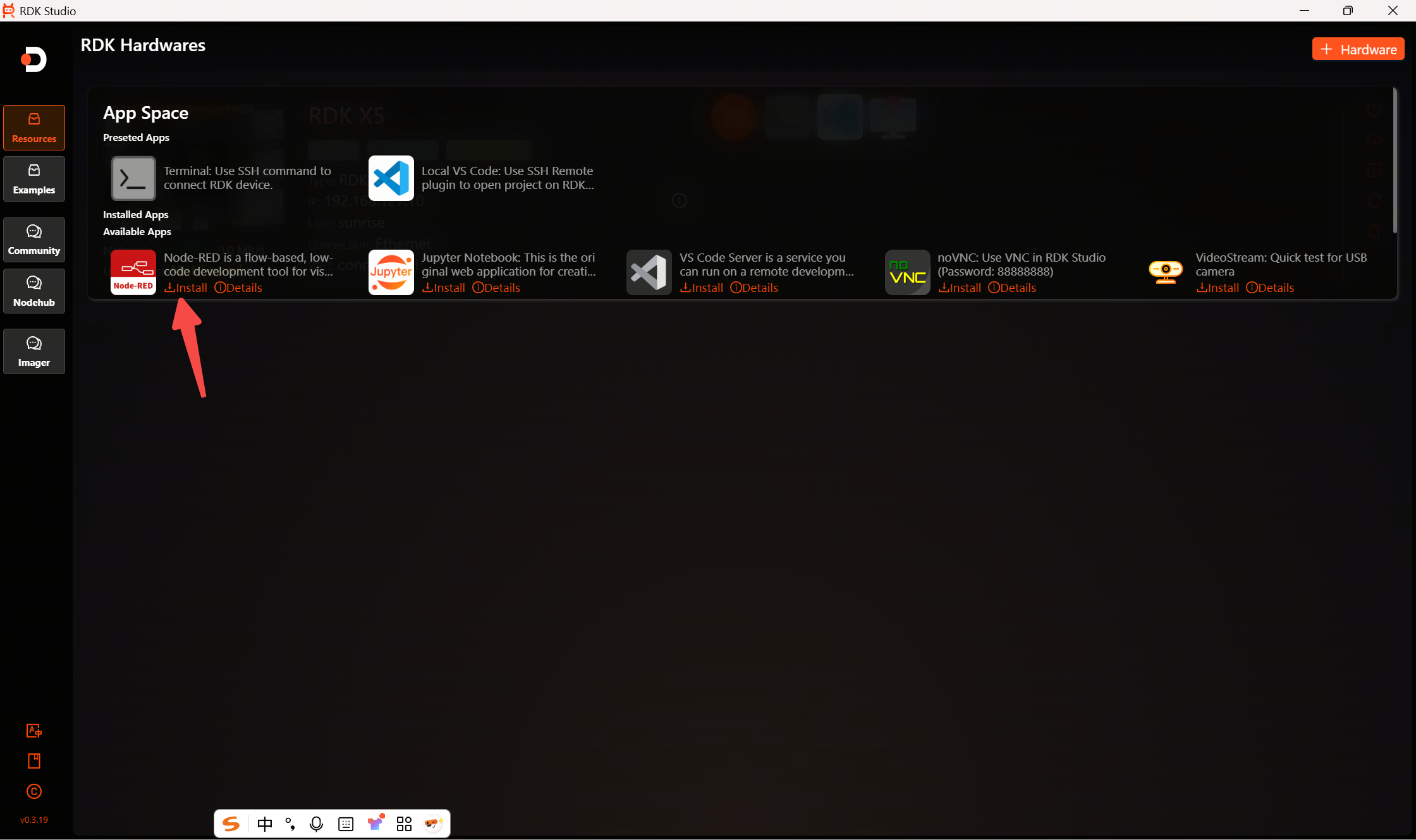
-
Features like Jupyter that require installation can be installed as needed.
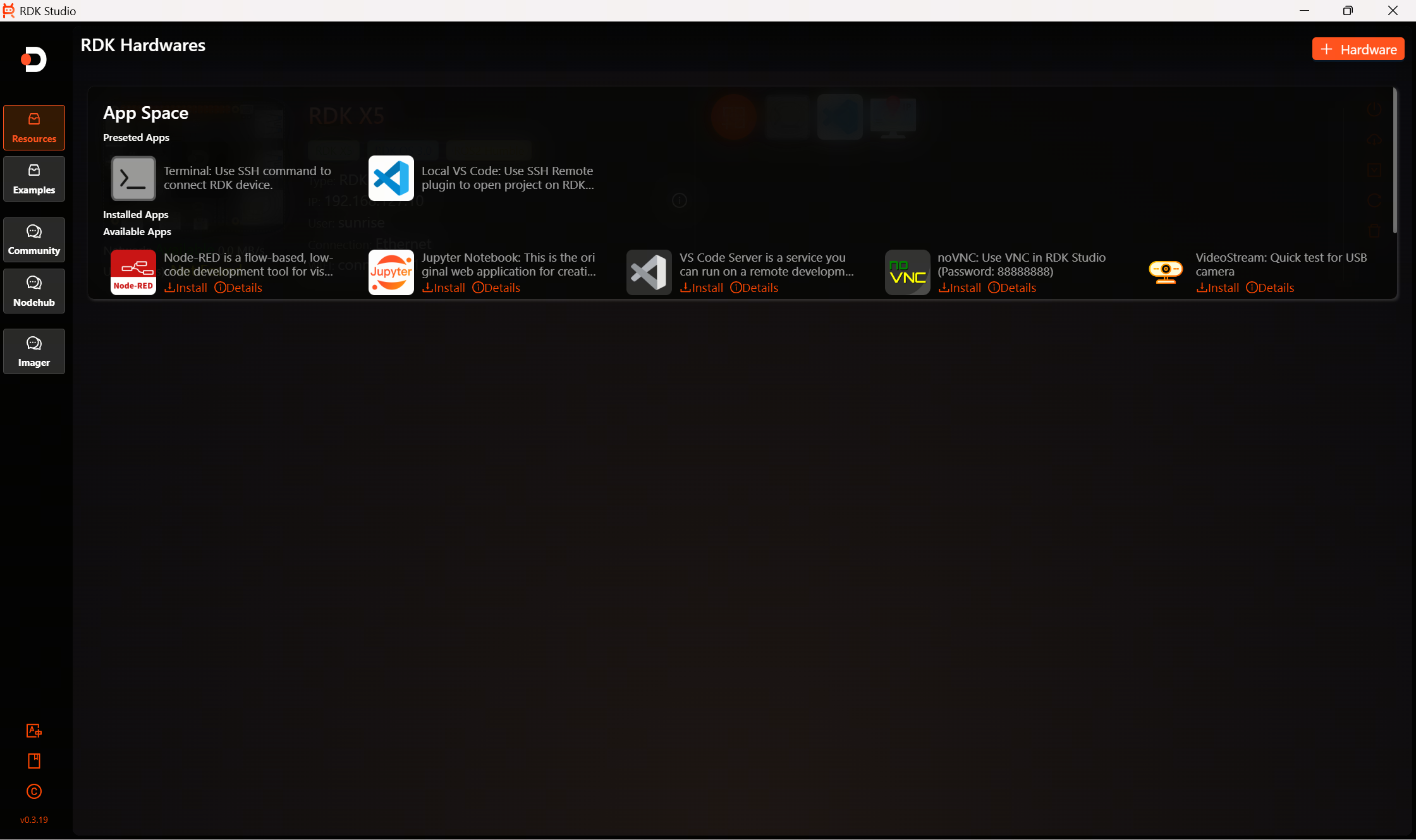
-
Click on a blank area to exit the application space.
tip
The RDK Studio Windows version is now officially released. For macOS users, please wait a little longer while our developers are coding at full speed.