1.9.3 Interface Specifications
- Windows
- macOS
Interface Introduction
-
When entering RDK Studio without an RDK device connected, a guided tour window will automatically pop up to help users understand the RDK device and its usage precautions. Click
Nextto view subsequent content, or clickPreviousto review earlier prompts.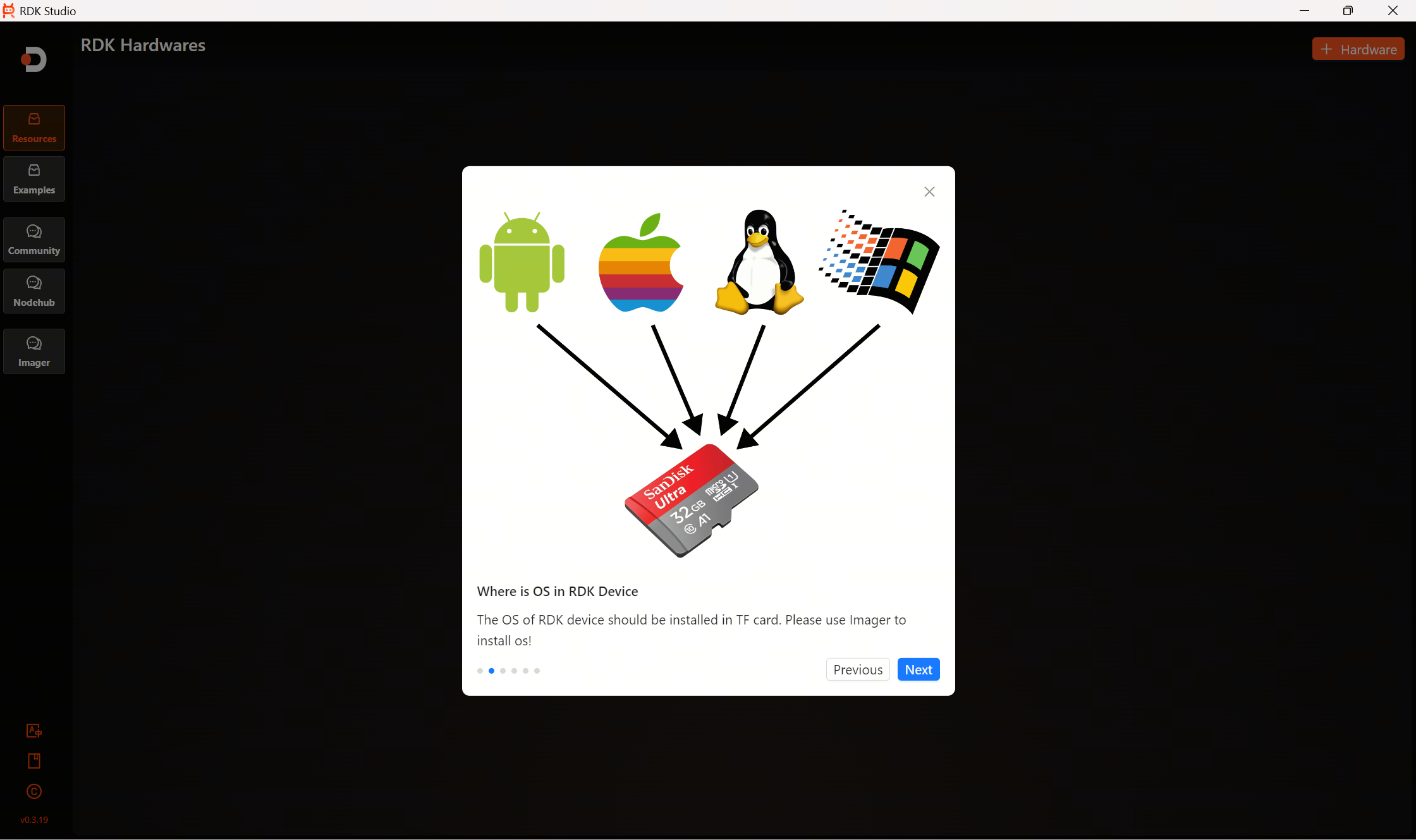
-
After reviewing all guided content, click
Finishto close the pop-up window. You can also click the×in the top right corner to close the window at any time.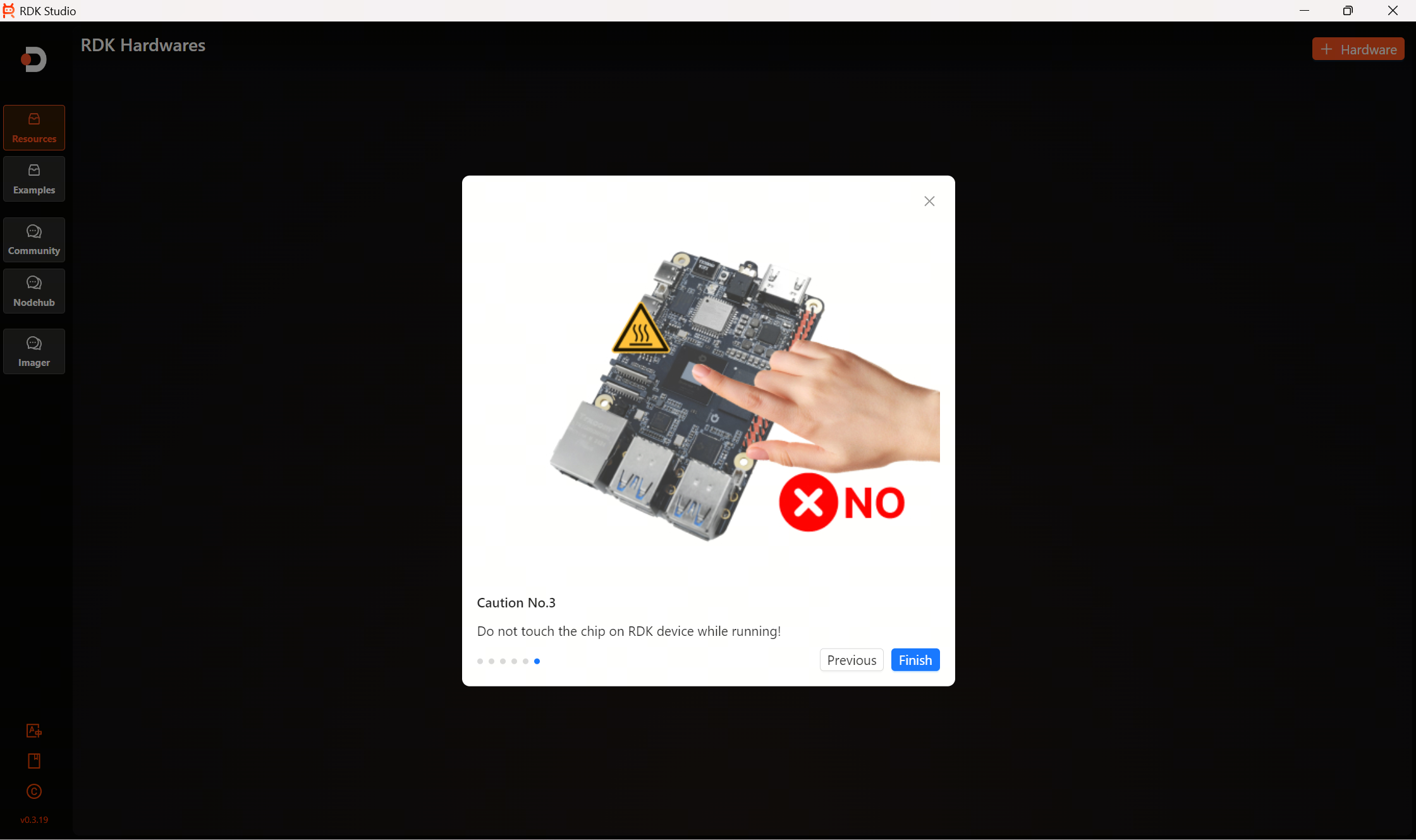
Home Page
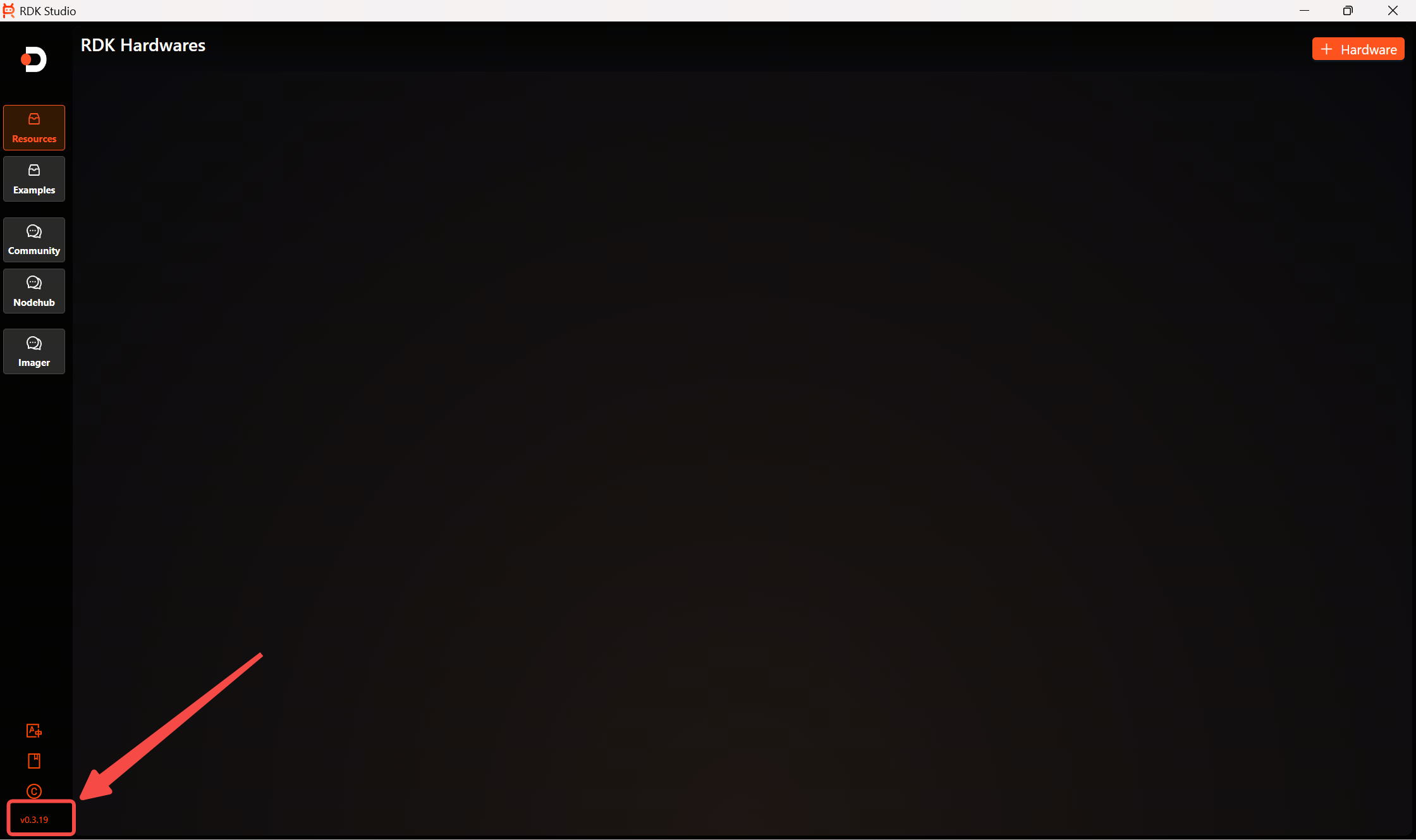
After closing the guided tour pop-up, you will enter the RDK Studio home page:
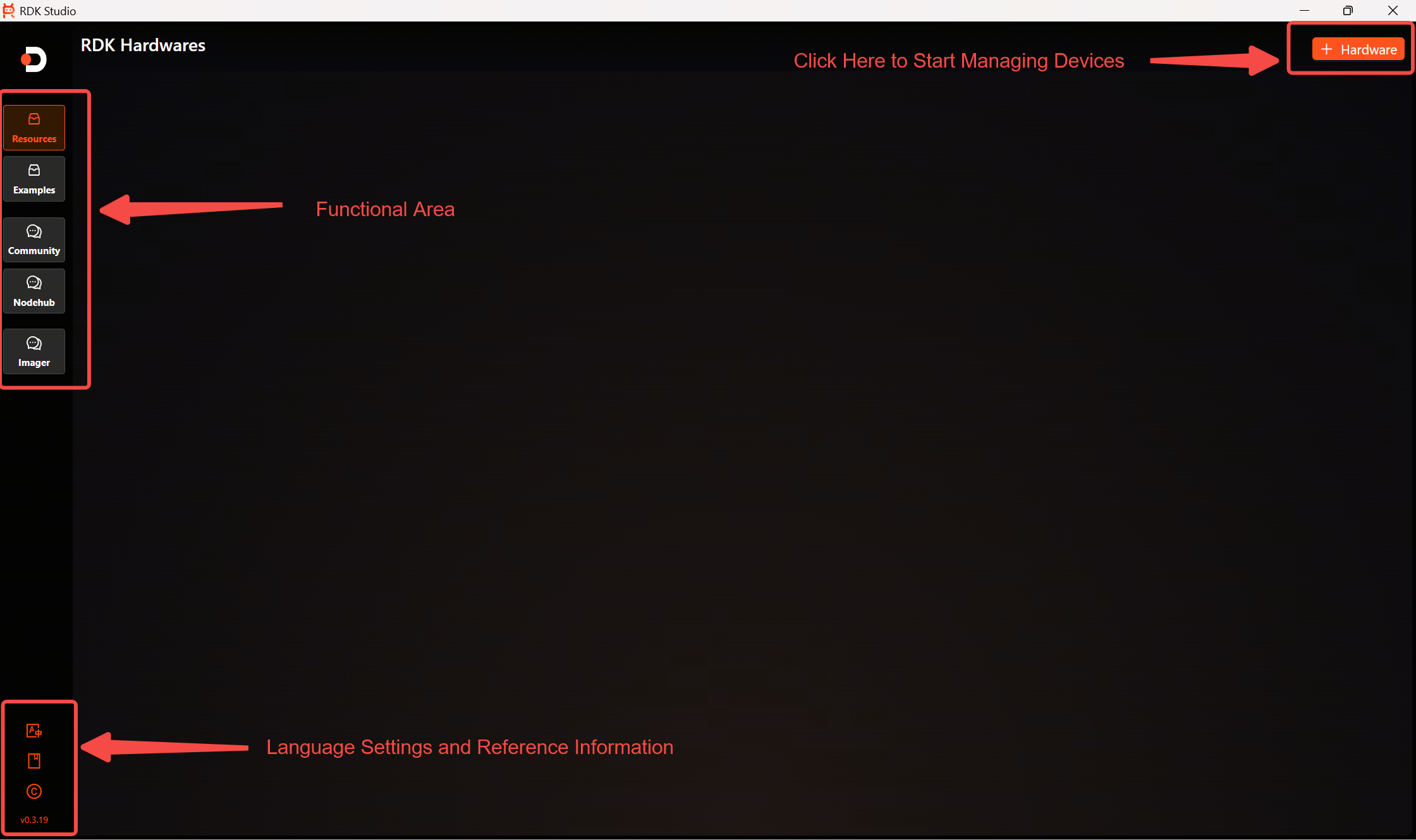
Functional Area
Resources: Here, you can add devices for management by clicking the+Hardwarebutton in the top right corner.Examples: Here, you can directly install simple demos onto your development board.Community: This provides direct access to the D-Robotics Community, eliminating the need to open a web browser for reference.NodeHub: This provides direct access to NodeHub, offering a wealth of example nodes.Imager: This provides system flashing functionality via both card reader and flash connection methods.
Language Settings and Reference Information
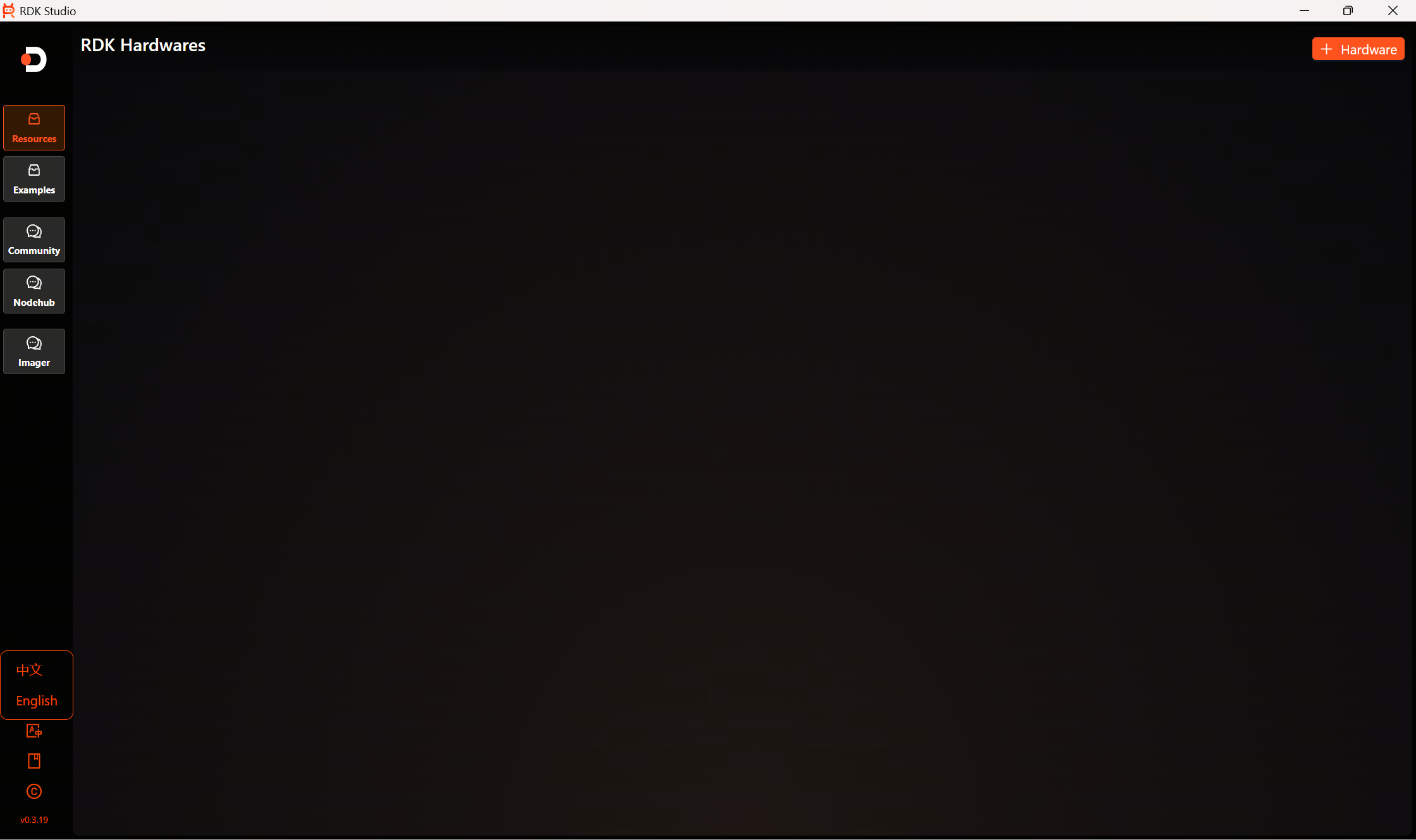
Language Settings
Click the language switch icon in the bottom left corner to expand language options and configure the interface language.
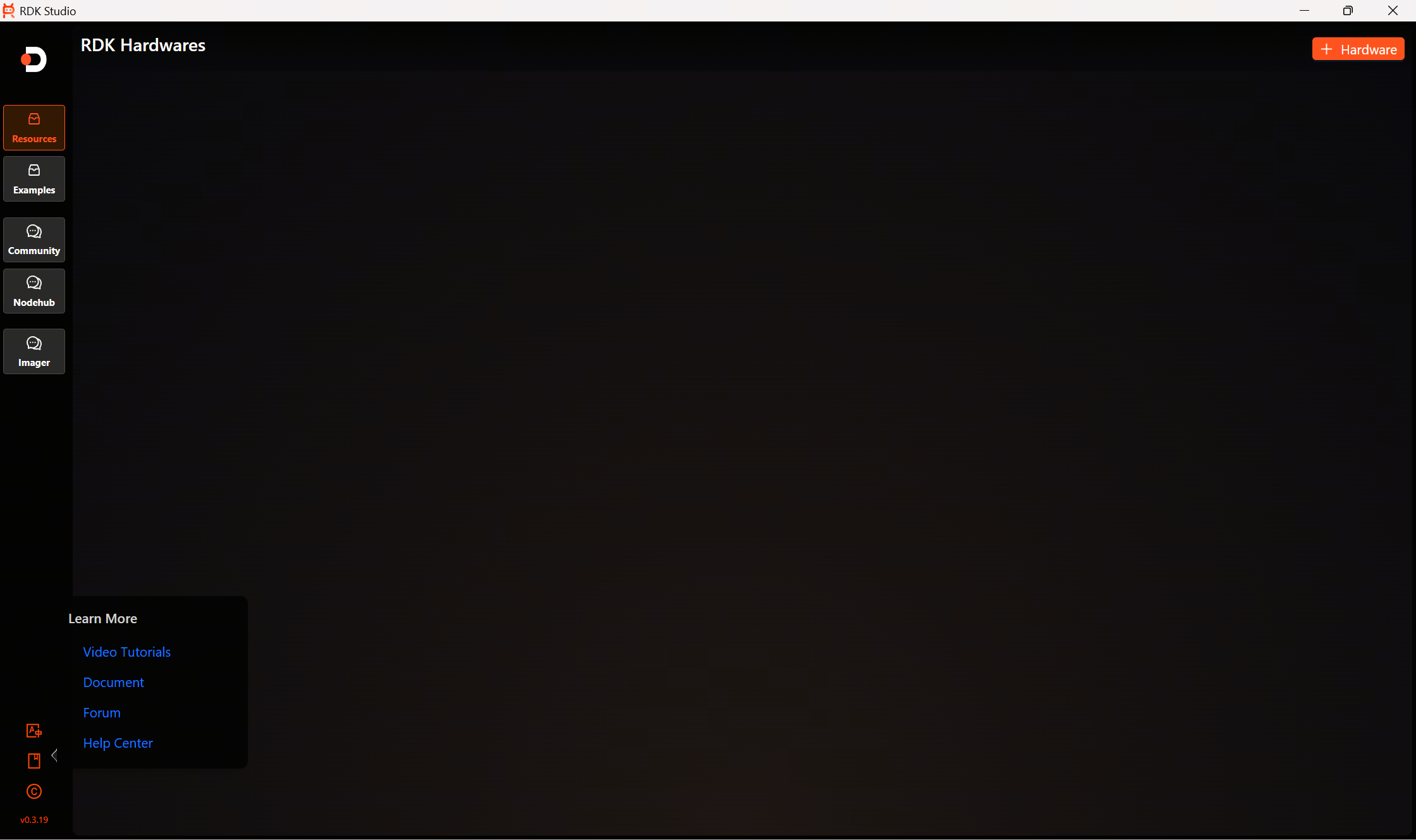
Learn More
Hover the mouse over the icons below the language settings to learn more about using RDK Studio.
-
Video Tutorials
Click to select
Video tutorials: The browser will jump to the Bilibili webpage. Click the title to watch the corresponding video guide.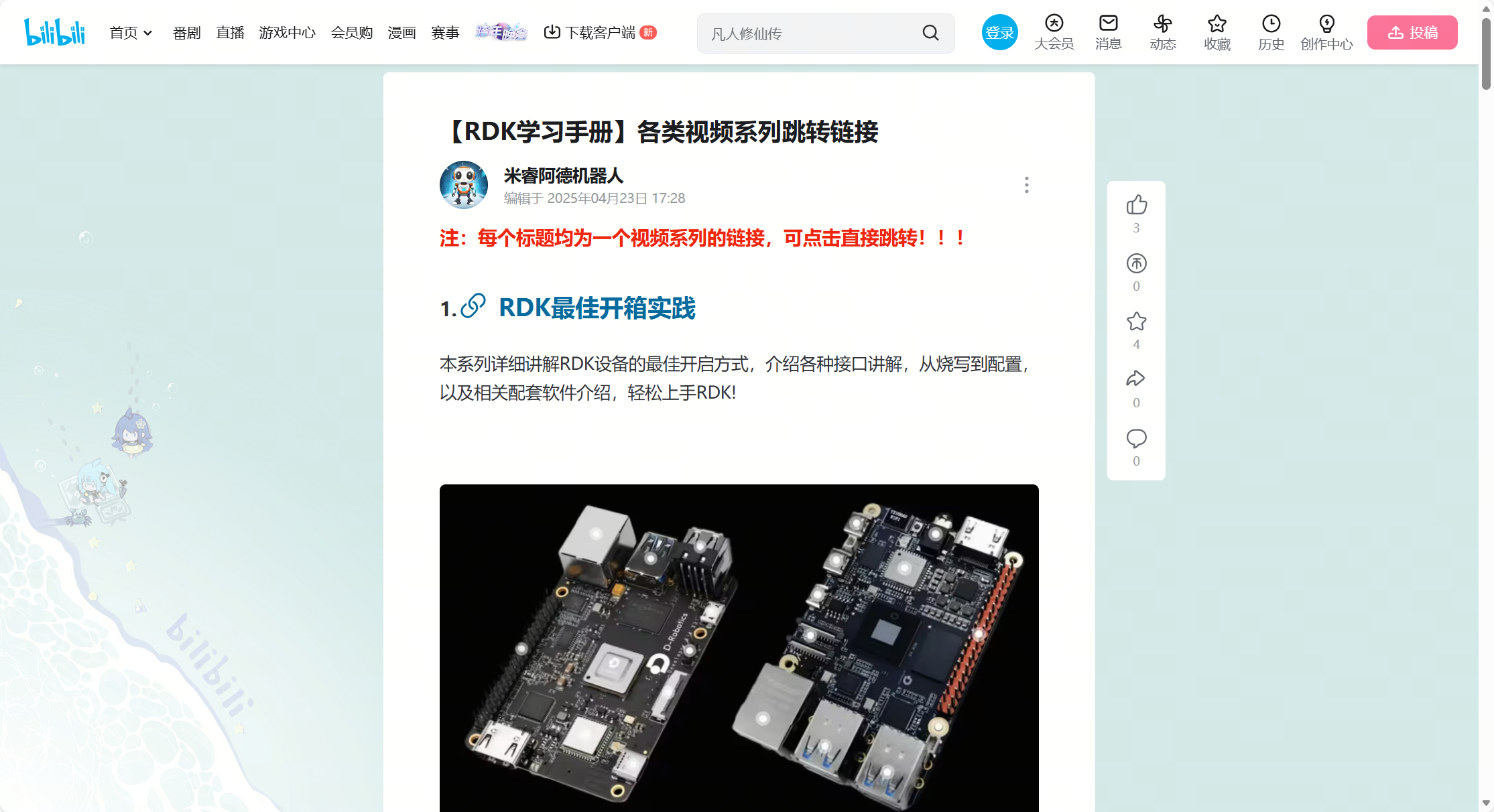
-
Document
Click to select the
Document: Open the community in your browser, where you can browse forum topics related to RDK Studio.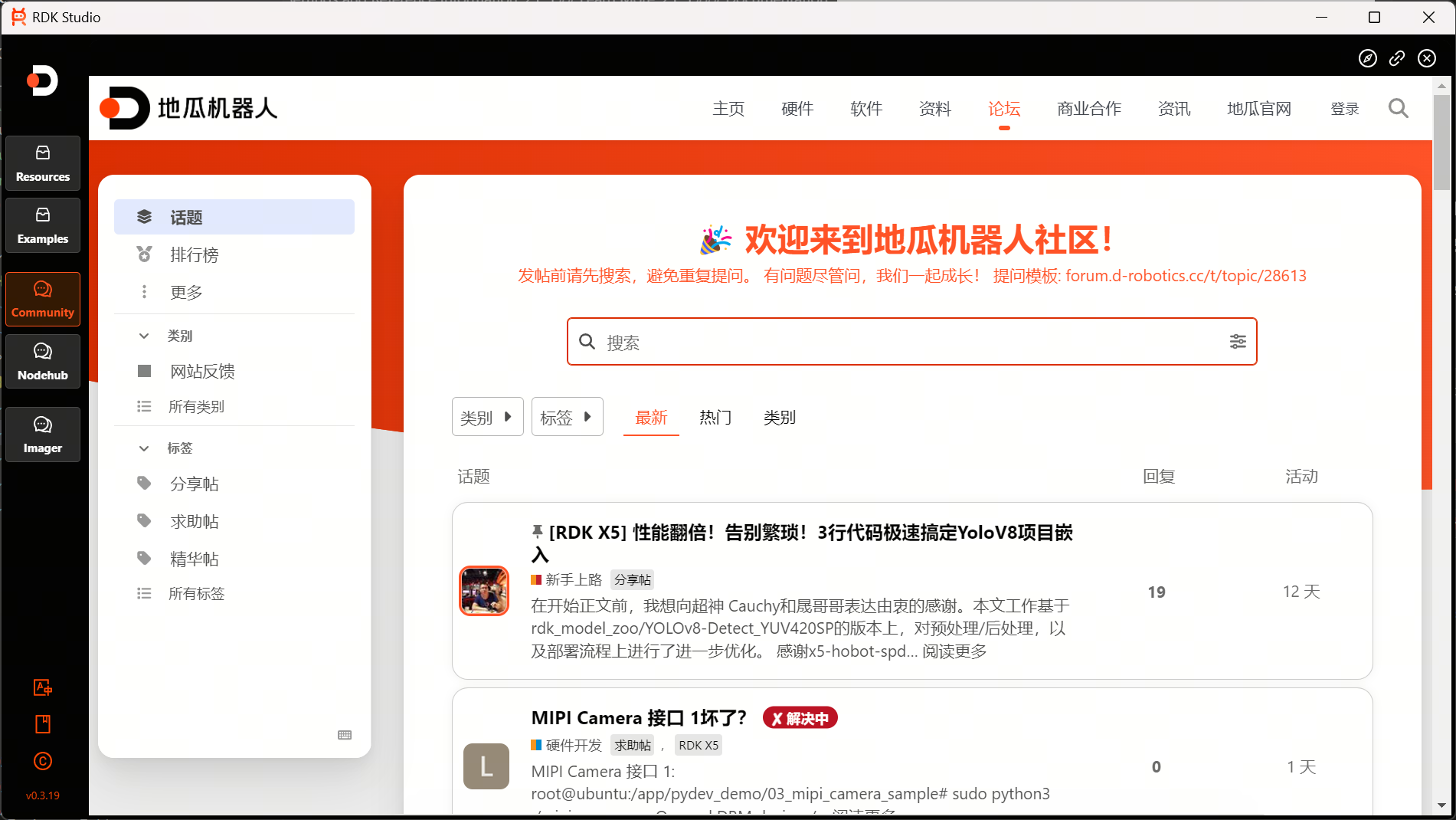
-
Forum
Click to select the
Forum: Open the community in your browser, where you can browse forum topics related to RDK Studio. -
Help Center
Click to select the
Help Center: Open the community in your browser, where you can browse forum topics related to RDK Studio.
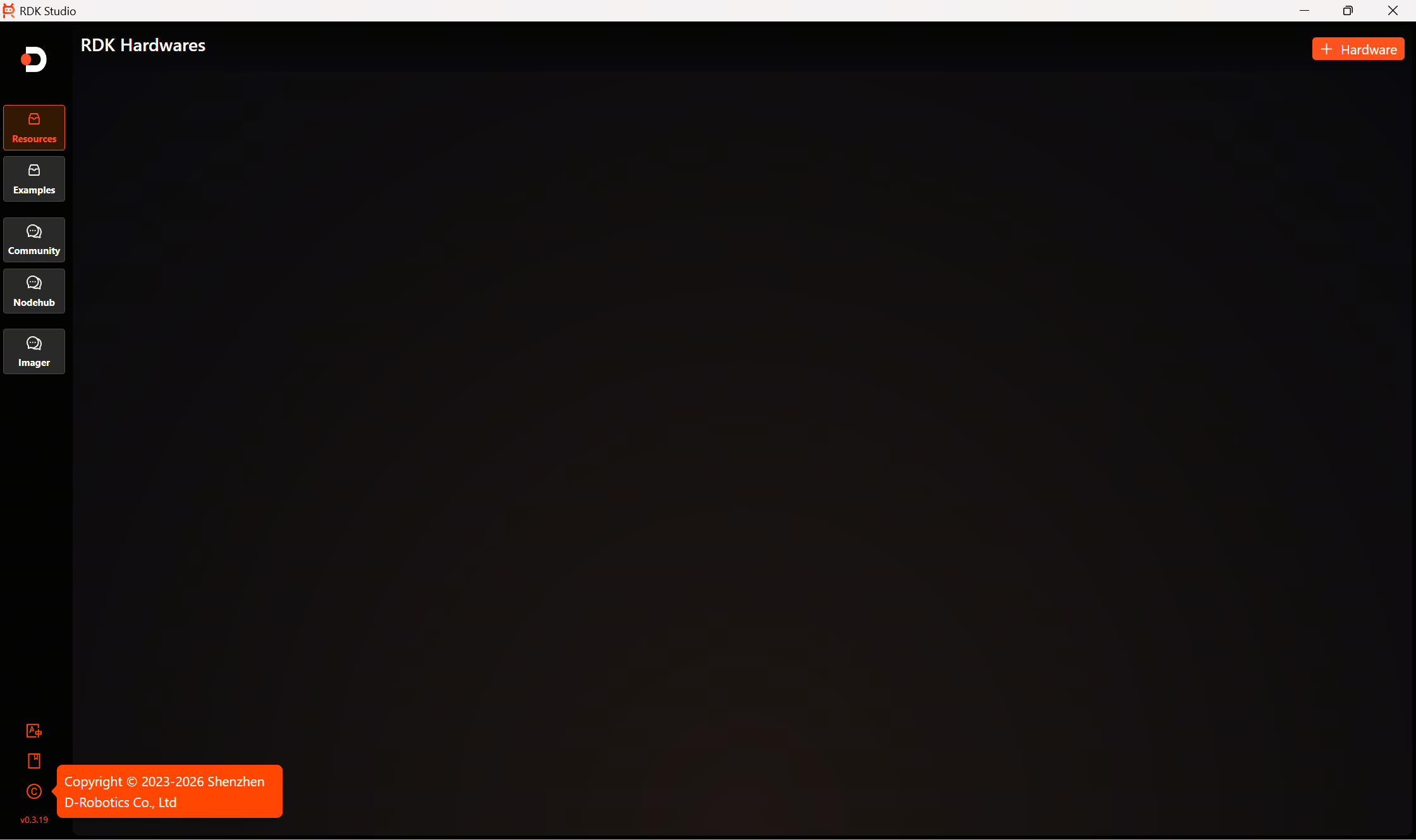
Copyright Information
Hover the mouse over the copyright icon to view the complete copyright information.
Version Information
The last item in the bottom left corner displays the RDK Studio tool version.
For those using macOS, please wait a moment as the documentation is being rapidly prepared.