YOLOv5X Model
Introduction
The YOLOv5X sample under /app/pydev_demo/09_yolov5x_sample/ demonstrates high-accuracy detection with the largest YOLOv5 variant. It trades speed for accuracy versus YOLOv5s.
Demo
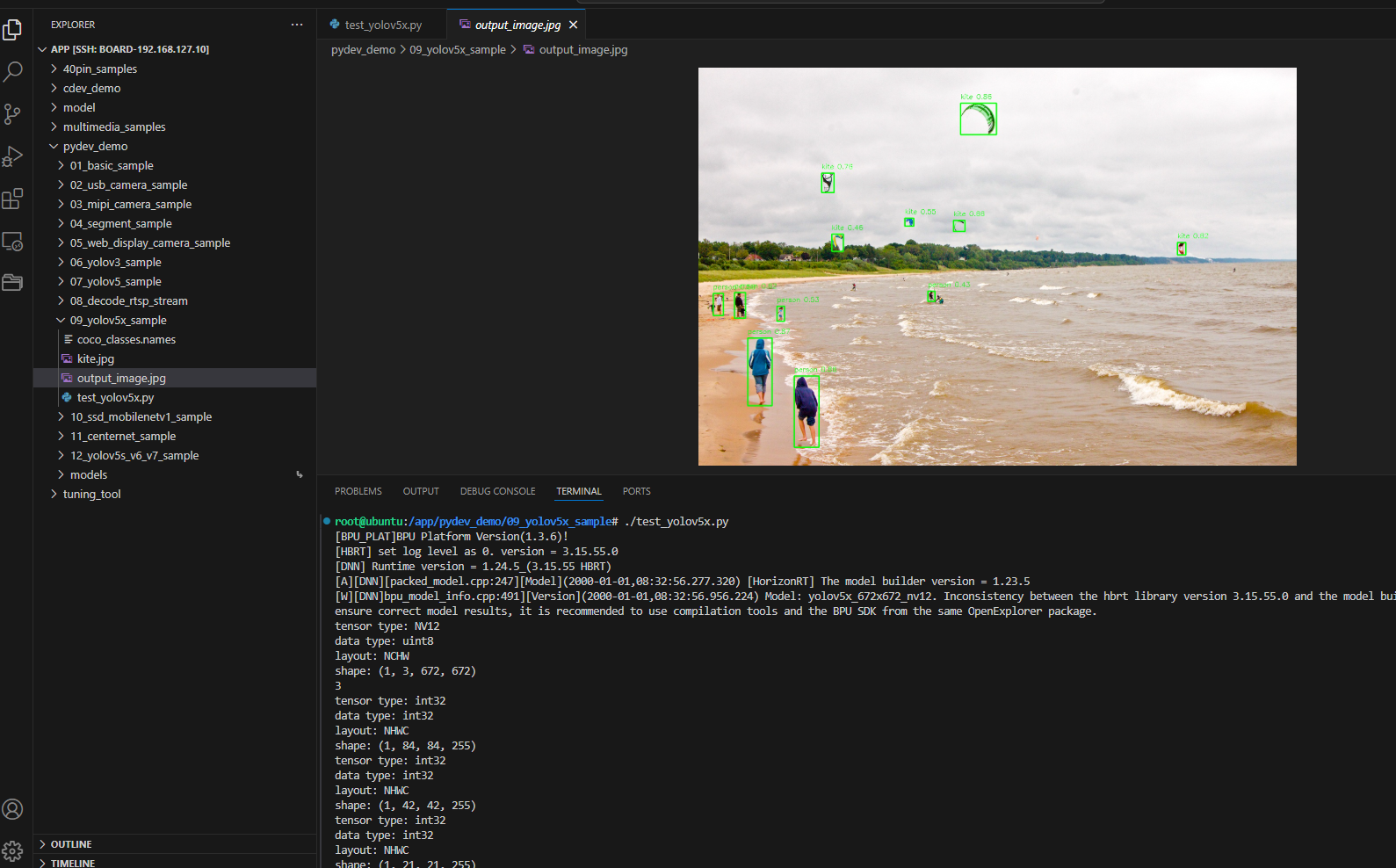
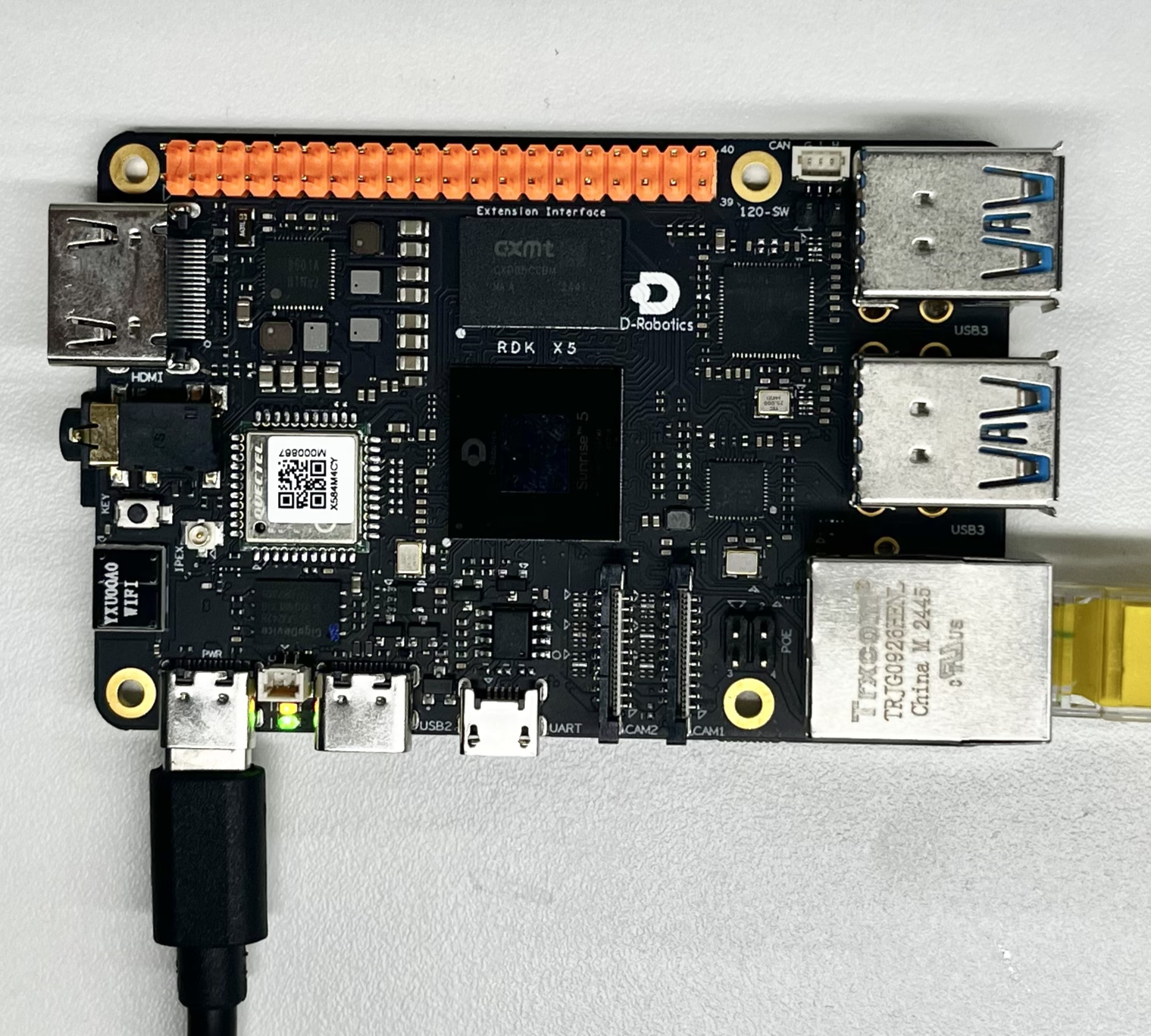
Hardware setup
Connections
Only the RDK board is required.
Quick start
Code location on device
root@ubuntu:/app/pydev_demo/09_yolov5x_sample# tree
.
├── coco_classes.names
├── kite.jpg
└── test_yolov5x.py
Build and run
python3 test_yolov5x.py
Sample output
root@ubuntu:/app/pydev_demo/09_yolov5x_sample# ./test_yolov5x.py
[BPU_PLAT]BPU Platform Version(1.3.6)!
[HBRT] set log level as 0. version = 3.15.55.0
[DNN] Runtime version = 1.24.5_(3.15.55 HBRT)
[A][DNN][packed_model.cpp:247][Model](2000-01-01,08:32:56.277.320) [HorizonRT] The model builder version = 1.23.5
[W][DNN]bpu_model_info.cpp:491][Version](2000-01-01,08:32:56.956.224) Model: yolov5x_672x672_nv12. Inconsistency between the hbrt library version 3.15.55.0 and the model build version 3.15.47.0 detected, in order to ensure correct model results, it is recommended to use compilation tools and the BPU SDK from the same OpenExplorer package.
tensor type: NV12
data type: uint8
layout: NCHW
shape: (1, 3, 672, 672)
3
tensor type: int32
data type: int32
layout: NHWC
shape: (1, 84, 84, 255)
tensor type: int32
data type: int32
layout: NHWC
shape: (1, 42, 42, 255)
tensor type: int32
data type: int32
layout: NHWC
shape: (1, 21, 21, 255)
inferece time is : 0.10300564765930176
postprocess time is : 0.060691237449645996
draw result time is : 0.048194289207458496
Details
Command-line options
No arguments; uses kite.jpg by default.
Software architecture
- Load YOLOv5X
- Preprocess NV12 672×672
- Forward pass
- Post-process
- Draw and save

API flow
models = dnn.load('../models/yolov5x_672x672_nv12.bin') → preprocess → forward → post-process → visualize → save.

FAQ
Q: YOLOv5X vs YOLOv5s?
A: YOLOv5X is larger and more accurate (~4× params), slower inference.
Q: hobot_dnn missing?
A: Install RDK Python and official packages.
Q: Change image?
A: Set cv2.imread path in code.
Q: Poor results?
A: COCO-trained; fine-tune if needed.
Q: Threshold?
A: yolov5_postprocess_info.score_threshold.
Q: Video / real-time?
A: Extend for video; YOLOv5X may need lower FPS or resolution.
Q: Picking a variant?
A: YOLOv5X for max accuracy; YOLOv5s/m for balance; YOLOv5n for constrained devices.
Q: Input size?
A: Fixed 672×672; images are resized accordingly.
Q: Even higher accuracy?
A: Larger input if the model supports it, or domain fine-tuning.