Segmentation Model
Introduction
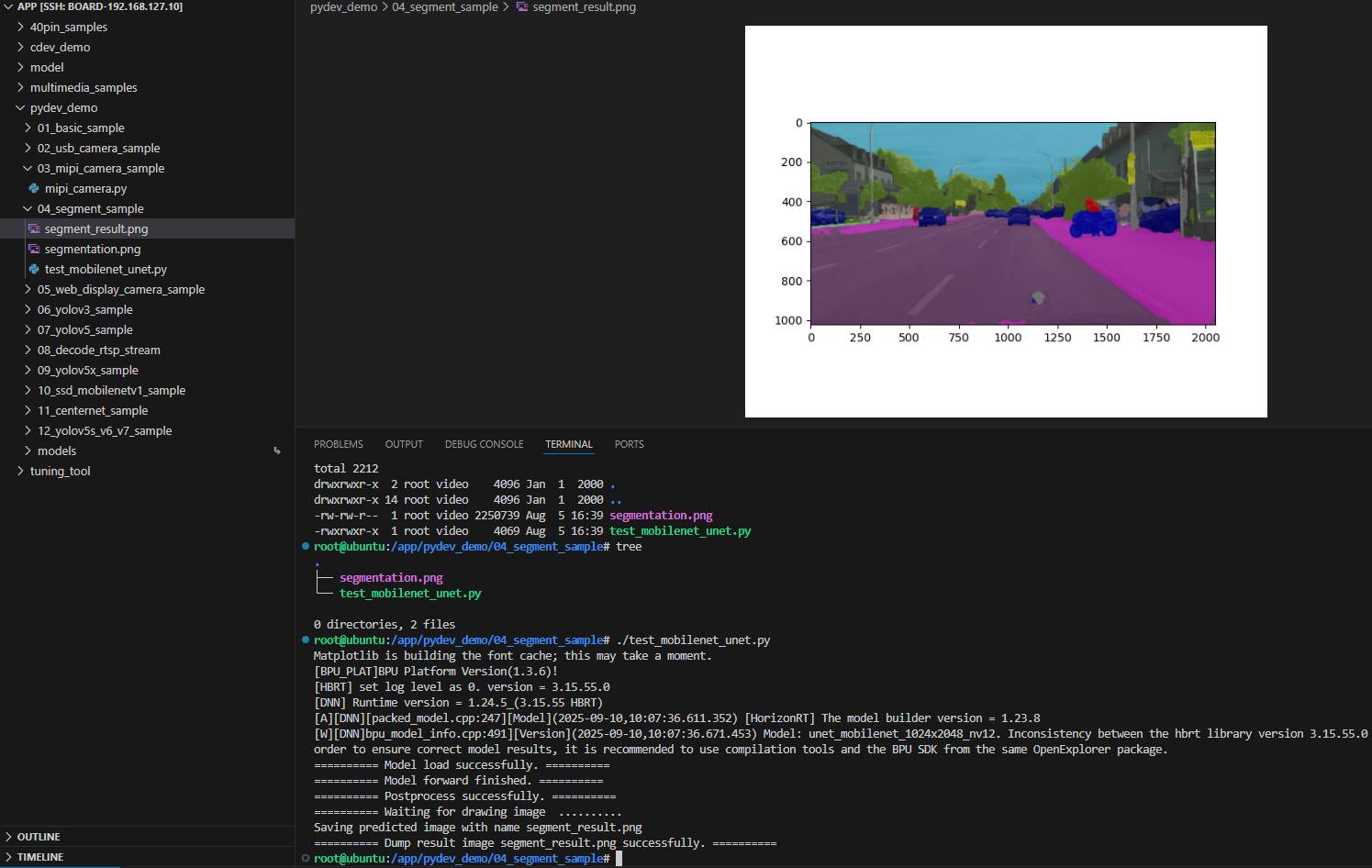
The image segmentation sample is a Python API example under /app/pydev_demo/04_segment_sample/ that demonstrates semantic segmentation with a MobileNet-UNet model. It performs per-pixel labeling and visualizes the result.
Demo
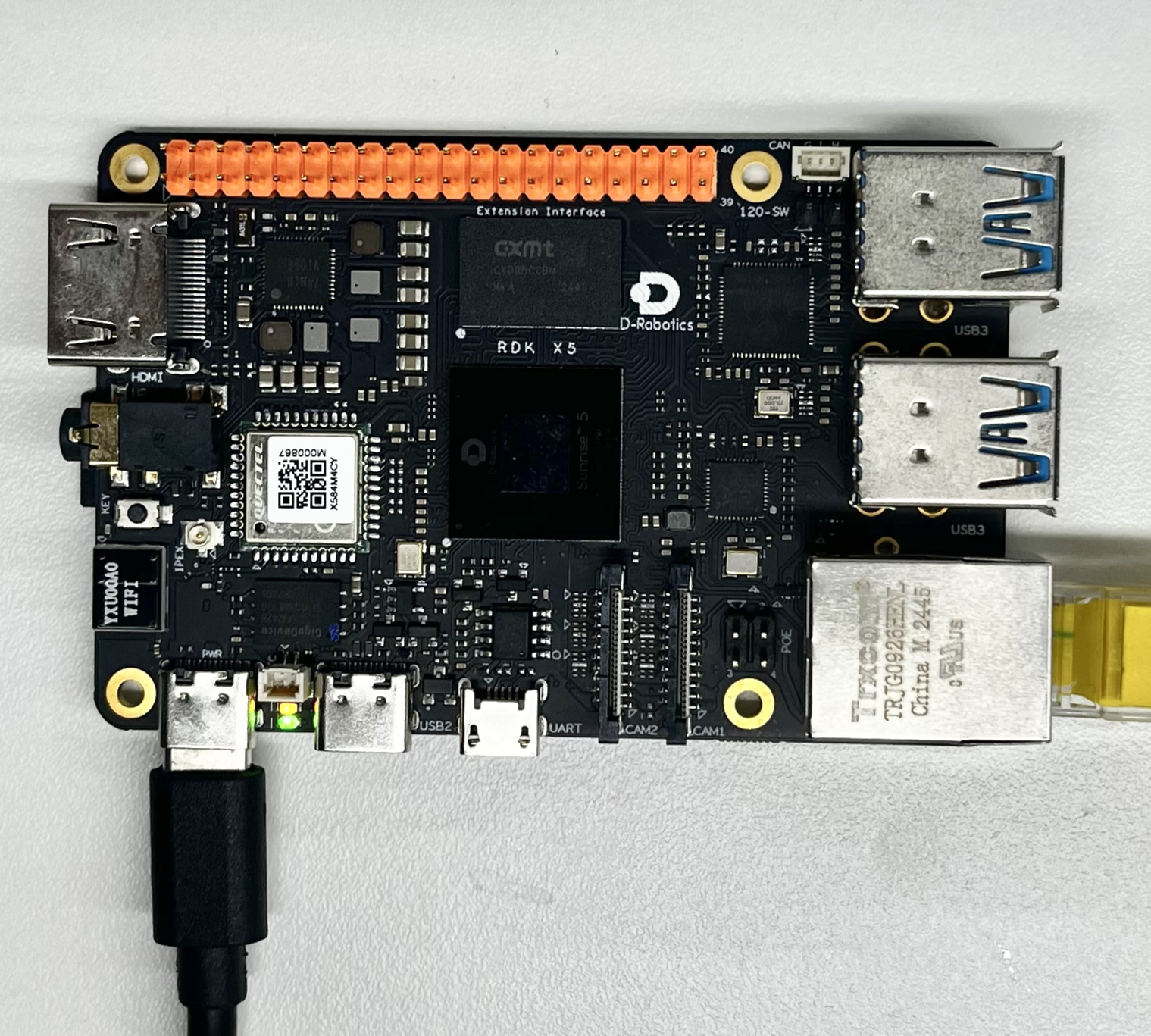
Hardware setup
Connections
Only the RDK board is required; power it and boot the system.
Quick start
Code location on device
Under /app/pydev_demo/04_segment_sample/:
root@ubuntu:/app/pydev_demo/04_segment_sample# tree
.
├── segmentation.png
└── test_mobilenet_unet.py
Build and run
Python samples do not require compilation; run directly:
python3 test_mobilenet_unet.py
Sample output
The program loads MobileNet-UNet, runs segmentation on segmentation.png, and writes segment_result.png.
root@ubuntu:/app/pydev_demo/04_segment_sample# ./test_mobilenet_unet.py
Matplotlib is building the font cache; this may take a moment.
[BPU_PLAT]BPU Platform Version(1.3.6)!
[HBRT] set log level as 0. version = 3.15.55.0
[DNN] Runtime version = 1.24.5_(3.15.55 HBRT)
[A][DNN][packed_model.cpp:247][Model](2025-09-10,10:07:36.611.352) [HorizonRT] The model builder version = 1.23.8
[W][DNN]bpu_model_info.cpp:491][Version](2025-09-10,10:07:36.671.453) Model: unet_mobilenet_1024x2048_nv12. Inconsistency between the hbrt library version 3.15.55.0 and the model build version 3.15.54.0 detected, in order to ensure correct model results, it is recommended to use compilation tools and the BPU SDK from the same OpenExplorer package.
========== Model load successfully. ==========
========== Model forward finished. ==========
========== Postprocess successfully. ==========
========== Waiting for drawing image  ..........
Saving predicted image with name segment_result.png
========== Dump result image segment_result.png successfully. ==========
root@ubuntu:/app/pydev_demo/04_segment_sample#
Details
Command-line options
No arguments; segmentation.png in the same directory is used by default.
Software architecture
- Load model with
pyeasy_dnn - Preprocess to NV12 at required size
- Forward pass → segmentation mask
- Post-process with argmax per pixel
- Colorize with palette and overlay on source
- Save result image

API flow
models = pyeasy_dnn.load('../models/mobilenet_unet_1024x2048_nv12.bin')- Preprocess: resize and convert to NV12
outputs = models[0].forward(nv12_data)pred_result = np.argmax(model_output[0], axis=-1)- Visualize with palette and save

FAQ
Q: ModuleNotFoundError: No module named 'matplotlib'.
A: Install with pip3 install matplotlib.
Q: How to change the test image?
A: Put a new image in the folder and set img_file = cv2.imread('your_path').
Q: Poor segmentation quality.
A: MobileNet-UNet is trained for street scenes; other domains may need a different model.
Q: Output resolution?
A: Model input is fixed at 1024×2048; output is resized back to the source resolution.
Q: Real-time video?
A: This sample is single-image; you can extend the code for video.
Q: More pretrained segmentation models?
A: See model_zoo or hobot_model.