1.2.2.3 Booting the system
eMMC has no system yet
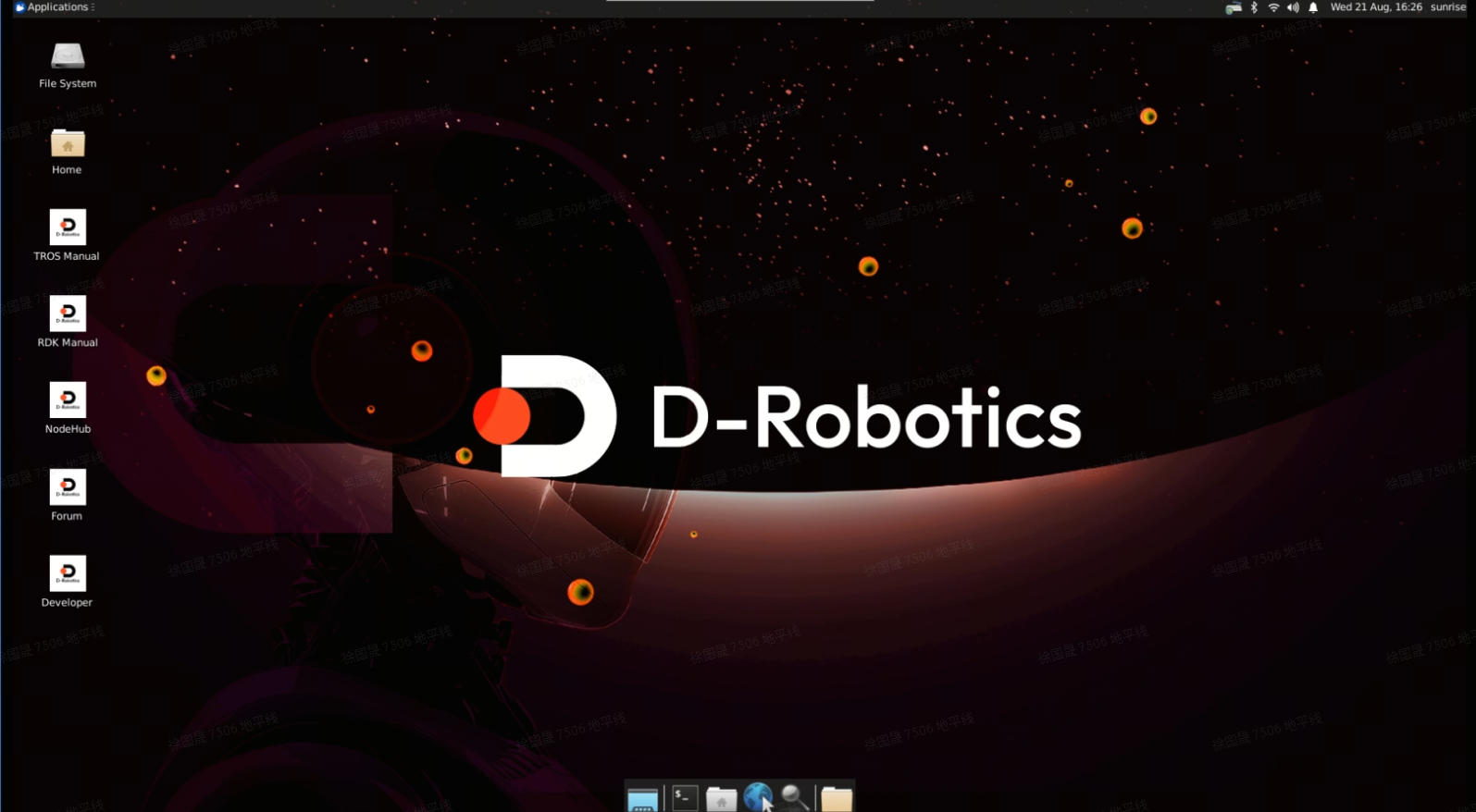
Power off, insert the prepared SD card into the carrier microSD slot, connect HDMI, then power on—the board boots from SD.
eMMC already has a system
Default
Connect HDMI and power on; by default the board boots from eMMC.
Boot from SD instead
-
Insert the prepared SD card and connect HDMI.
-
After login, clear the boot flag on partition 2 of eMMC and reboot:
sudo parted /dev/mmcblk0 set 2 boot off
sudo reboot -
U-Boot will then boot from SD. After login,
mountshould show root on SD partition 2 andconfigon SD partition 1:/dev/mmcblk2p2 on / type ext4 (rw,relatime,data=ordered)
/dev/mmcblk2p1 on /boot/config type vfat
Switch back to eMMC from SD
If you booted from SD but eMMC also has a system, restore eMMC boot:
sudo parted /dev/mmcblk0 set 2 boot on
sudo reboot