1.2.1.3 Booting the system
Power off the board, insert the prepared microSD into the microSD slot, connect HDMI to a monitor, then power on.
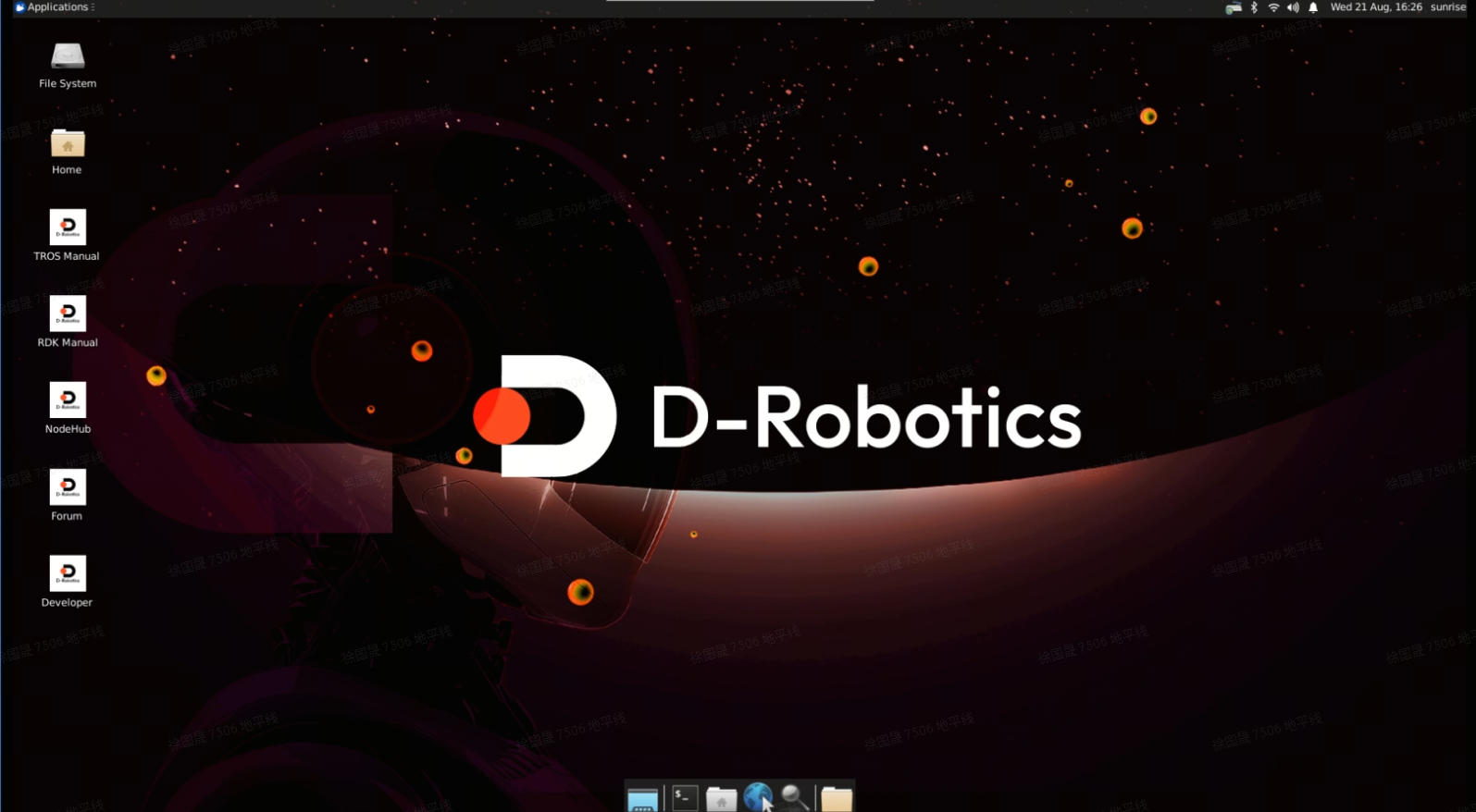
First boot runs default setup for about 45 seconds; then the Ubuntu desktop should appear on the display.
Board LEDs
After power-on:
- Red on: Power is OK.
- Green on: System is booting; off or blinking means boot has finished.
If there is no display for more than 2 minutes, check LEDs:
- Green solid: Boot failed—check the power adapter and consider reflashing the image.
- Green off or blinking: System booted but display may have failed—check monitor compatibility.
After Ubuntu Desktop boots, the desktop is shown via the display output as below: