3.3 Quick Start
Obtaining the SDK
The RDK IMU Module SDK is D-Robotics' software development kit for the RDK IMU Module, including C, Python, and ROS2 components. It requires no system driver, supports hardware timestamps, and is easy to build. Developers can choose their preferred interface to quickly try the module and extend the SDK for robot application development.
Repository: rdk-imu-module-sdk
Clone the main branch on your development board:
git clone https://github.com/D-Robotics/rdk-imu-module-sdk.git
SDK layout:
rdk-imu-module-sdk/
├── core/       # C wrapper and examples
├── python/     # Python wrapper and examples
├── ros2/       # ROS2 wrapper and examples
├── Makefile    # Build Makefile
├── doc/
├── README_cn.md
├── README.md
├── LICENSE
└── version/    # Version info
Install dependencies (included on RDK systems):
sudo apt update
sudo apt install build-essential cmake libgpiod-dev python3-pip
pip install setuptools wheel
Run the C Example
Build from the core directory:
cd core
make
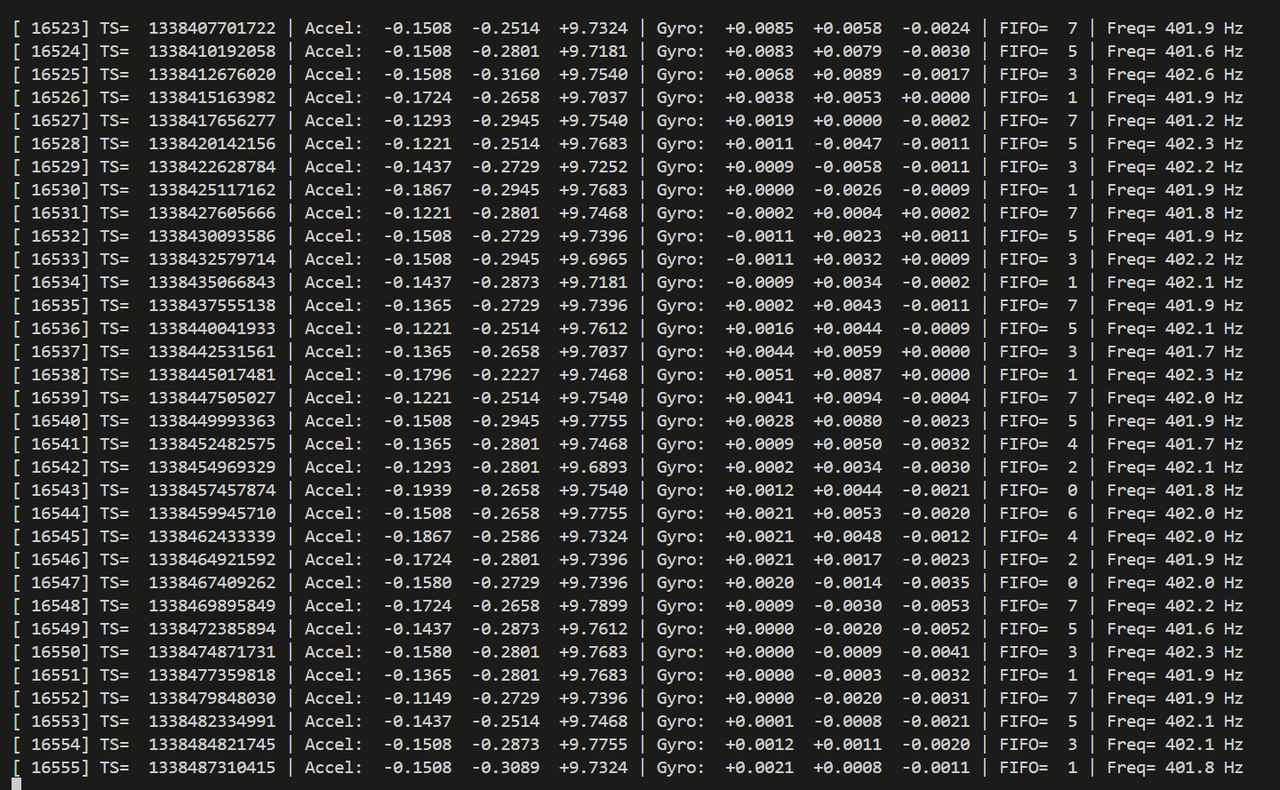
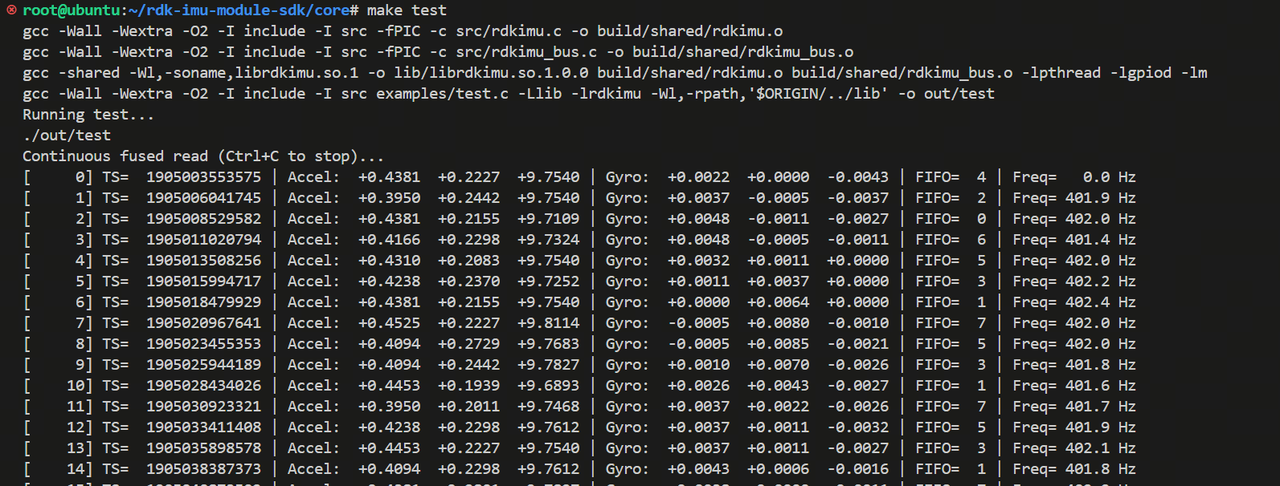
After a successful build, out/test is produced. It auto-detects the IMU interface type (I2C/SPI) and device address, then outputs IMU data at 400 Hz.
Run sudo ./out/test to see output like below (SPI initialization can be slow—wait as long as there are no errors). Press Ctrl+C to exit.
You can also use make test to build and run the example in one step.
Use make install to install SDK headers and libraries to system paths, or make uninstall to remove them.
Run the Python Example
Ensure core has been built and not cleaned, then build from the python directory:
cd python
make
After building, a .whl package appears under dist. Install it:
pip install dist/rdkimu-*.whl
Or use make install to build and install automatically (make uninstall to remove).
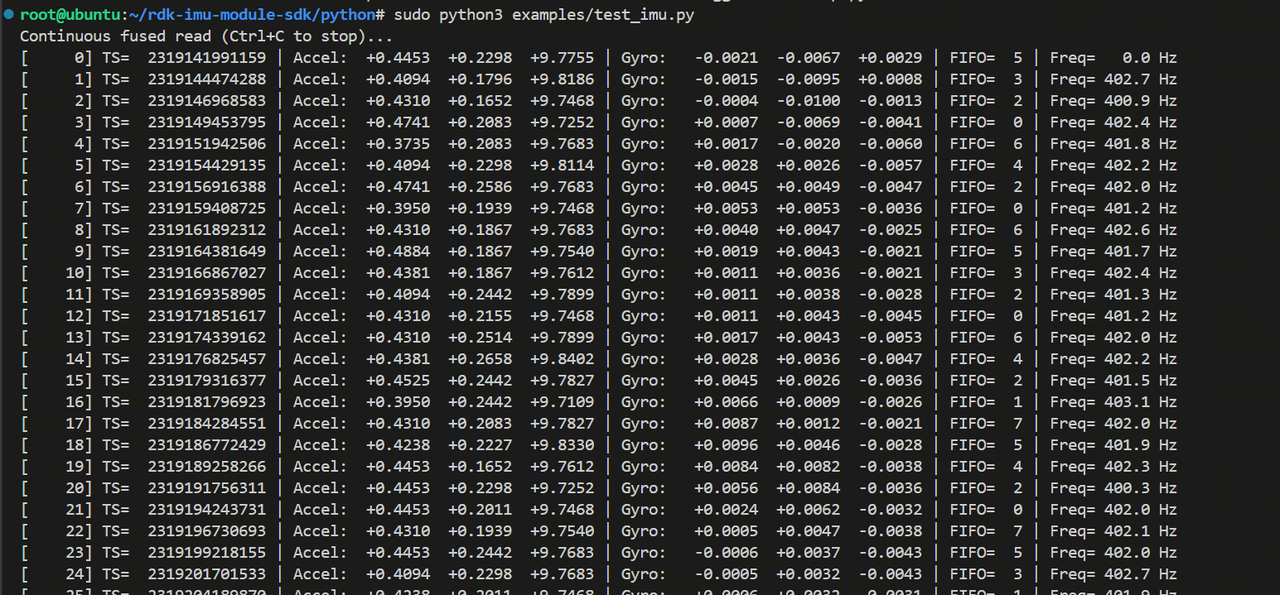
After installation, run sudo python3 examples/test_imu.py. Behavior matches the C example. Press Ctrl+C to exit.
Run the ROS2 Example
Ensure core has been built and not cleaned, activate your ROS2 environment, then build from the ros2 directory:
source /opt/tros/*/setup.bash  # tros shown here; use your ROS2 setup script
colcon build
After building, source the workspace and launch the node:
source install/setup.bash
ros2 launch rdk_imu_module rdk_imu.launch.py
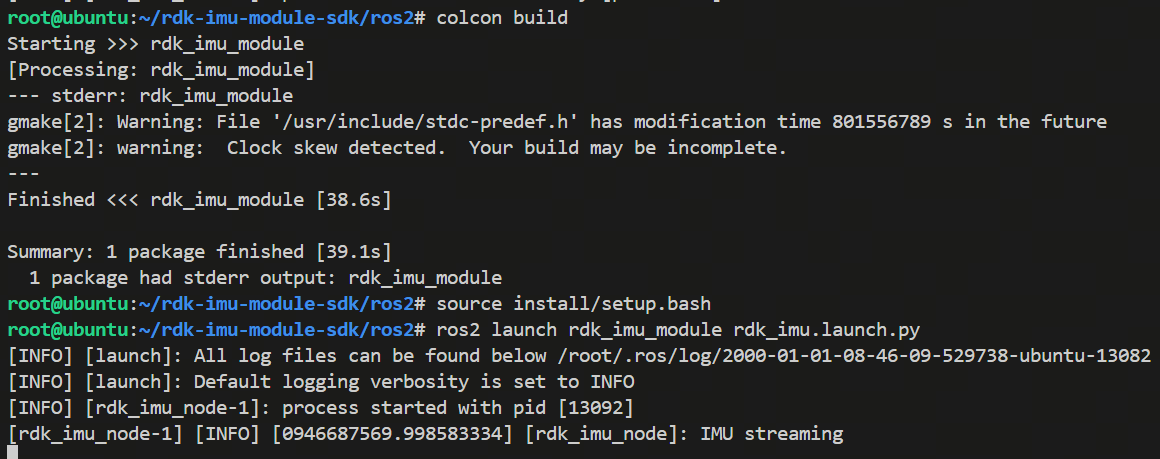
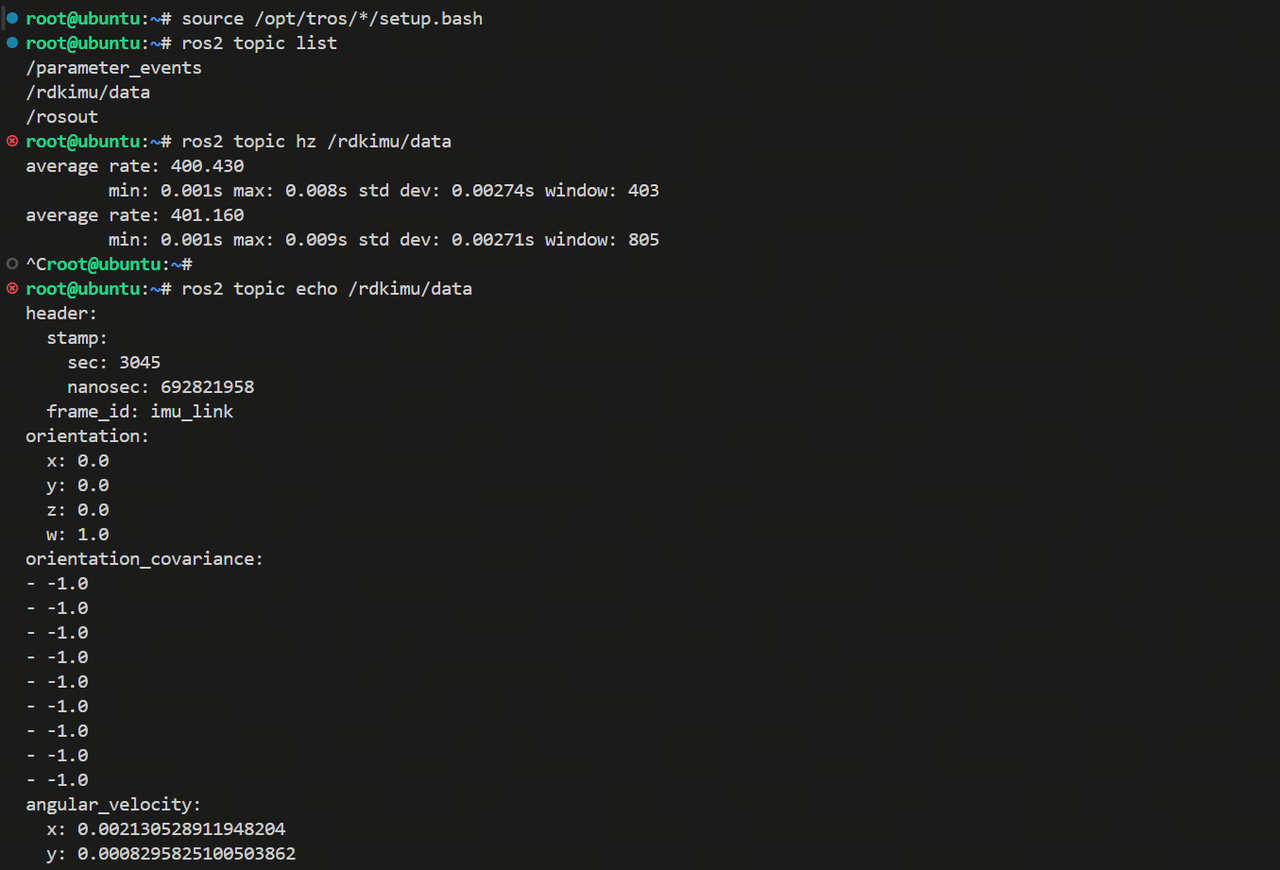
Output like below indicates the IMU node is running. The default topic is /rdkimu/data.
In another terminal with the environment sourced, use ros2 topic to inspect IMU data.
Next Steps
At this point, the RDK IMU Module is up and running via the SDK source package.
- Hardware Reference covers hardware details for hardware developers.
- Software Guide summarizes SDK development and IIO driver guidance. Software developers should start there and read: