3. Basic Peripheral Usage
The development board's file structure is as follows. The directory /userdata/magicbox/basic_function_demo/ contains pre-configured examples for using basic peripherals. Simply run the corresponding script to control the respective peripheral.
root@ubuntu:/userdata/magicbox# tree -L 2
.
├── app                                # Application functionality files
│   ├── ros_ws                         # ROS2 workspace, containing most application functionalities
│   └── Web_RDK_Performance_Node       # Resource monitoring application
|
├── basic_function_demo                # Basic peripheral usage examples (Python)
│   ├── button.py                      # Button usage script
│   ├── imu.py                         # IMU usage script
│   ├── servo.py                       # Servo control script
│   └── ws2812b.py                     # LED strip control script
|
├── config                             # Configuration files required by applications
│   └── ......
├── dep                                # Third-party dependency packages for applications
│   ├── llama.cpp                      # llama.cpp
│   ├── matcha-icefall-zh-baker        # TTS voice model dependencies
│   └── sherpa-onnx                    # sherpa-onnx
|
├── launch                             # Files related to launching functionalities
│   ├── lamp                           # Lighting control script needed during startup
│   ├── start.py                       # Script to control enabling/disabling all application functionalities
│   └── start.sh                       # Auto-start execution script
|
├── log                                # Log files
|
└── voice                              # Audio files
    ├── robot.mp3
    └── wakeup.mp3
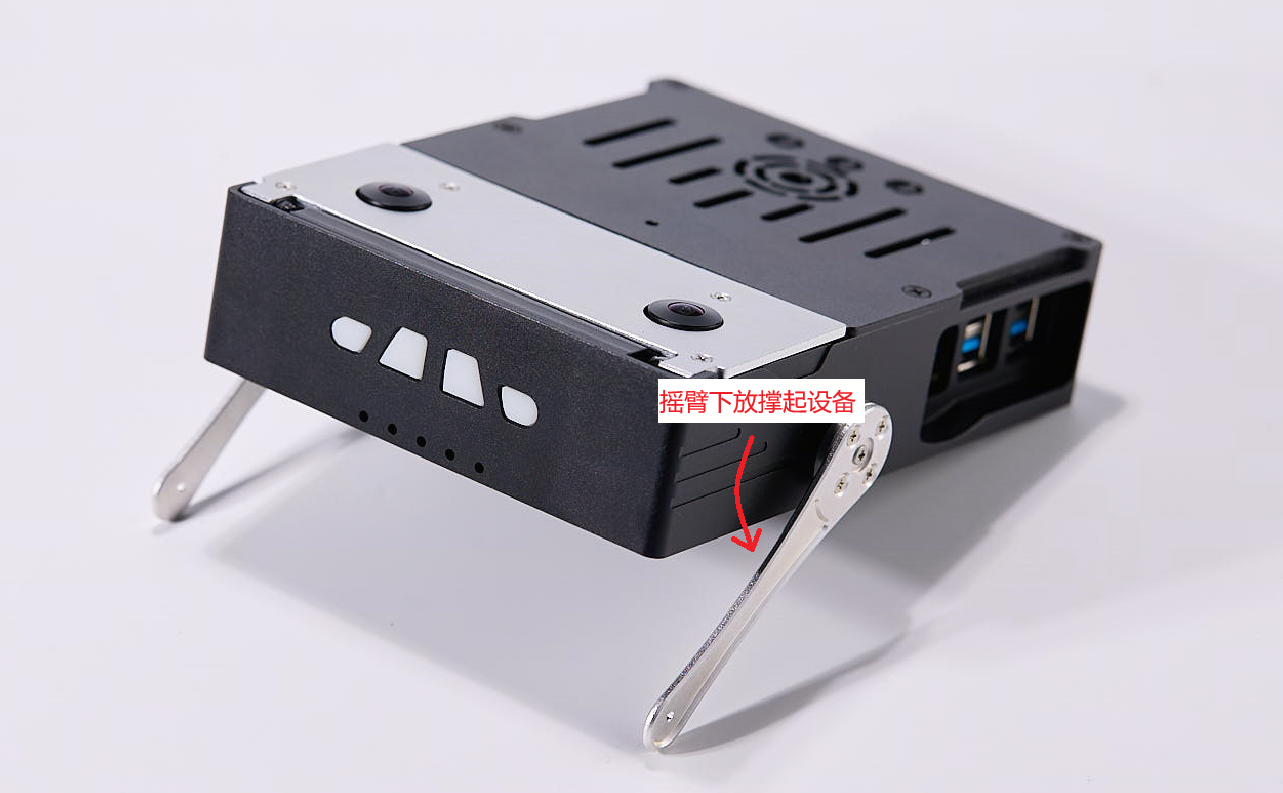
Servo Control
# Lower both support legs to lift the device, implemented via PWM
python3 /userdata/magicbox/basic_function_demo/servo.py
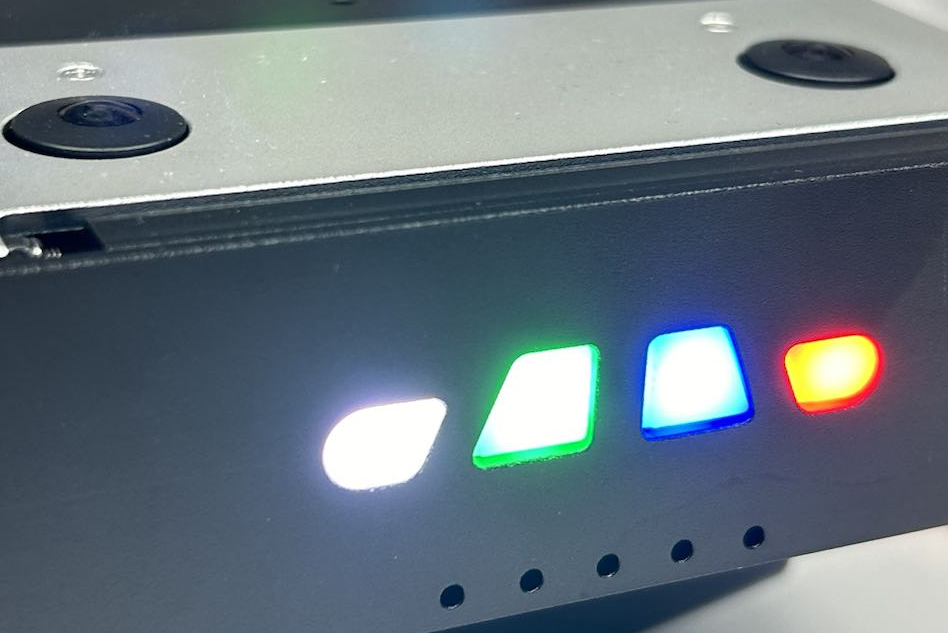
Lighting Control
# Turn on device lights and display different colors, implemented via SPI
python3 /userdata/magicbox/basic_function_demo/ws2812b.py
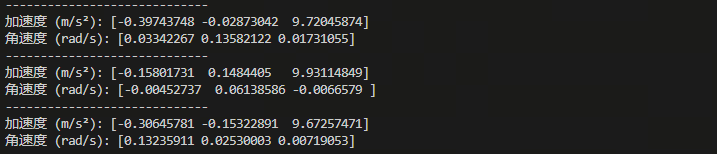
IMU Control
# Run IMU and print data, implemented via smbus2
python3 /userdata/magicbox/basic_function_demo/imu.py
Button Control
# Run button press feedback; pressing a button prints "button1 OK"/"button2 OK"/"button3 OK", implemented via GPIO
python3 /userdata/magicbox/basic_function_demo/button.py