5.5.4 Performance Flame Graph
Feature Introduction
A flame graph is a visual representation of performance data collected by tools such as perf. It statistically analyzes the data to help easily identify performance hotspots.
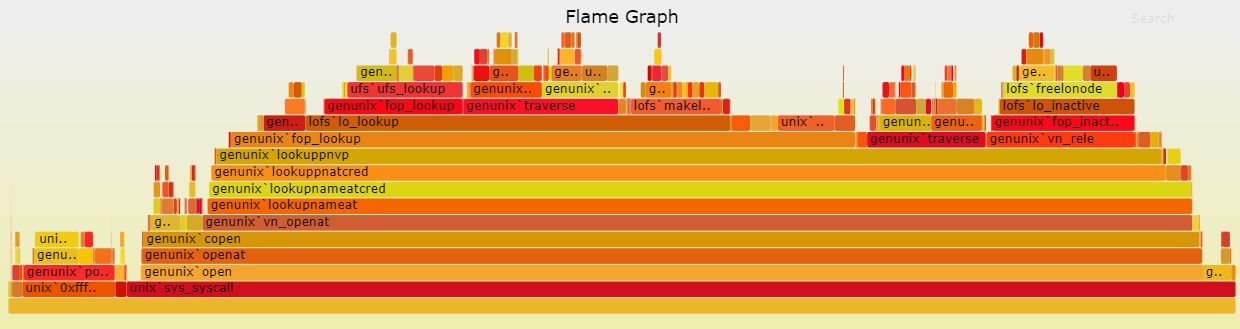
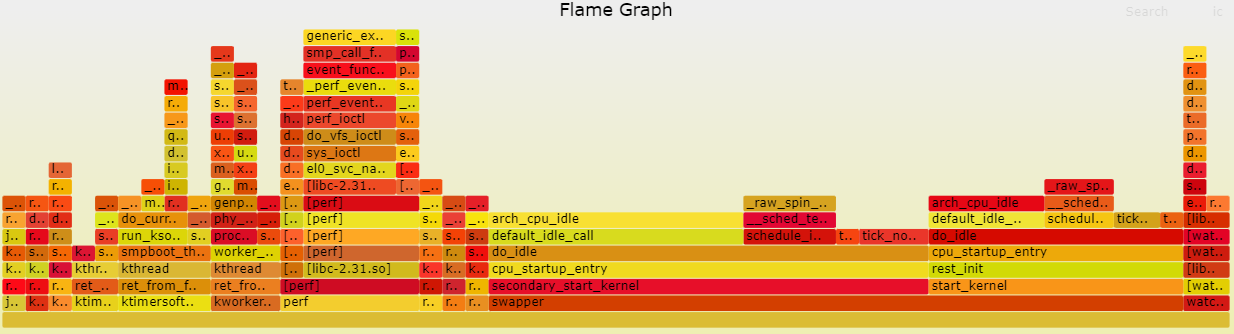
Each box in the flame graph represents a function. The width of the box indicates its execution time—thus, wider functions take longer to execute.
Each higher level ("floor") in the flame graph represents a deeper level of function calls. The topmost functions are leaf functions (functions that do not call other functions).
Code repository: (https://github.com/brendangregg/FlameGraph.git)
Supported Platforms
| Platform | Execution Environment |
|---|---|
| RDK X3, RDK X3 Module, RDK X5, RDK X5 Module | Ubuntu 20.04 (Foxy), Ubuntu 22.04 (Humble) |
| RDK Ultra | Ubuntu 20.04 (Foxy) |
Prerequisites
RDK Platform
-
The flamegraph tool consists of two parts. The first part is the executable program
perf.perfis a software performance analysis tool used to collect and output statistics about function calls within the system or a specific process. Theperftool is already included in the RDK operating system, so it can be used directly. -
The second part of the flamegraph tool is a script that parses
perf's textual output. This script processes the text data generated byperfand produces an SVG-formatted flame graph of function calls, making it easier to observe and analyze.
Usage Instructions
-
Use the
perf recordtool to sample function calls within the RDK system and generate aperf.datafile:root@ubuntu:~# perf record -F 99 -a -g -- sleep 60 -
Use
perf scriptto parse theperf.datafile and generateout.perf:root@ubuntu:~# perf script > out.perf -
On your PC or RDK device, run
git clone https://github.com/brendangregg/FlameGraph.git, enter theflamegraphdirectory, and copy theout.perffile generated in step 2 into this directory. Then usestackcollapse-perf.plfrom the flamegraph toolkit to "fold" theout.perfdata intoout.folded:./stackcollapse-perf.pl out.perf > out.folded -
Use
flamegraph.plto generate the SVG flame graph:./flamegraph.pl out.folded > flame.svg
Steps 1 and 2 are performed on the RDK device, while steps 3 and 4 can be carried out either on a PC or on the RDK device.
Result Analysis
Following the procedure described above, the recorded function calls within the RDK system appear as shown in the figure below: