3.1.1 Using MIPI Camera
The mipi_camera_streamer.py program is installed on the development board to test the MIPI camera data pipeline. This example captures image data from the MIPI camera in real time and outputs the image data via the HDMI interface.
Environment Setup
- Connect the MIPI camera module to the MIPI CSI interface on the development board. For specific connection instructions, please refer to - Hardware Introduction - MIPI Interface
- Currently, this sample only supports MIPI sensors: IMX219, SC230AI
- Connect the development board to a display using an HDMI cable
How to Run
Execute the program with the following commands:
sunrise@ubuntu:~$ cd /app/pydev_demo/10_mipi_camera_sample
sunrise@ubuntu:/app/pydev_demo/10_mipi_camera_sample$ python 05_mipi_camera_streamer.py -w 1920 -h 1080
Expected Result
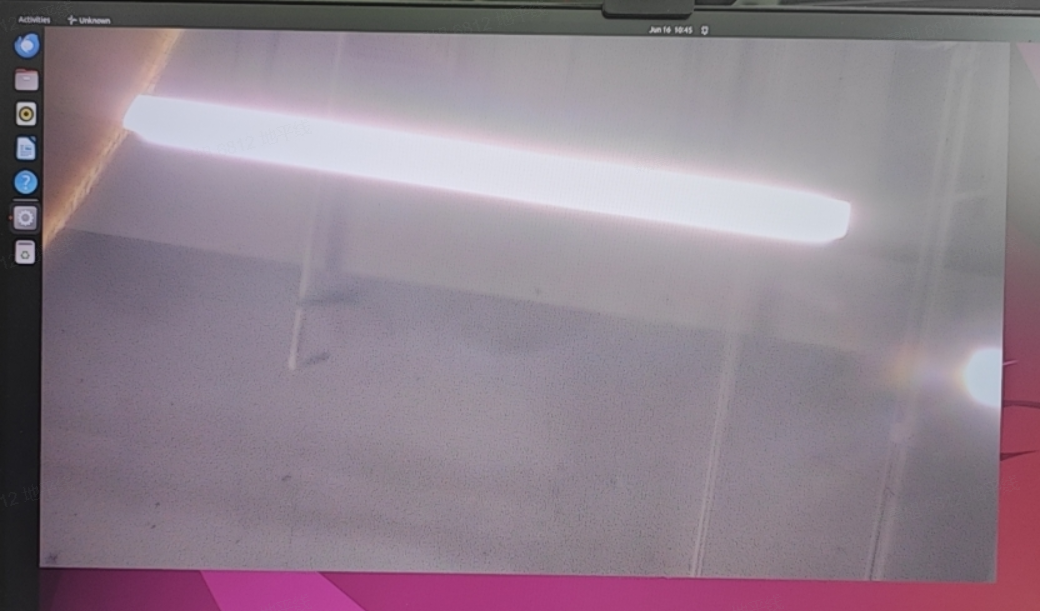
After running the program, the display will show the live camera feed in real time, as shown below: